Colour, temperature and the second lamp
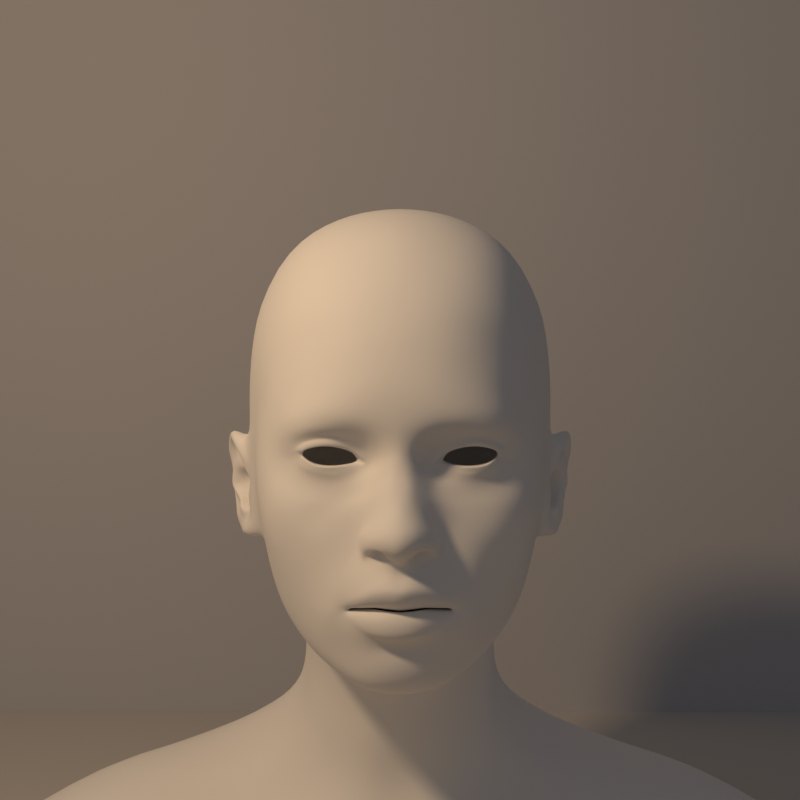
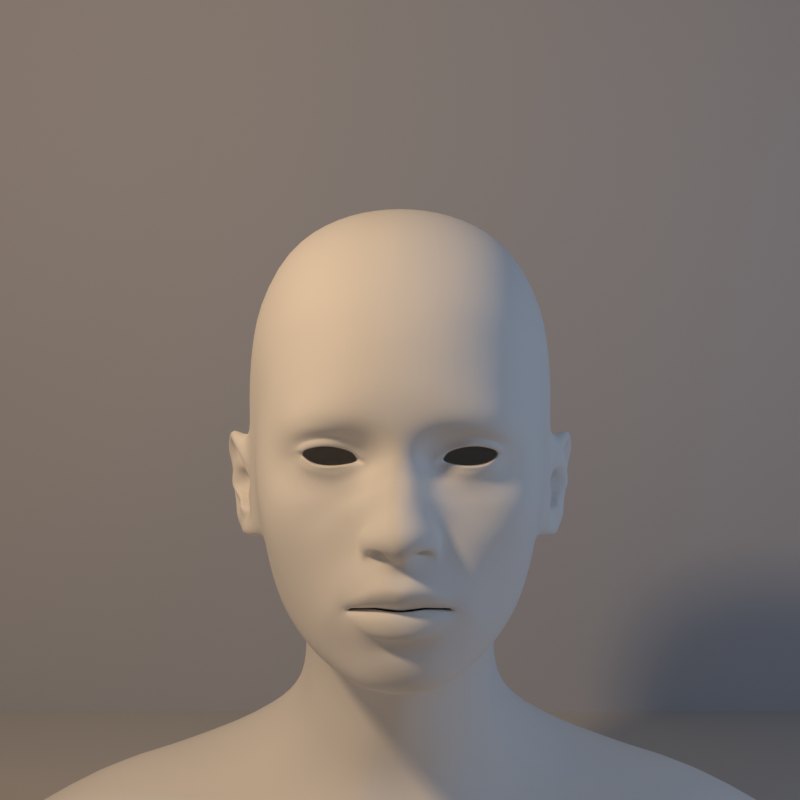
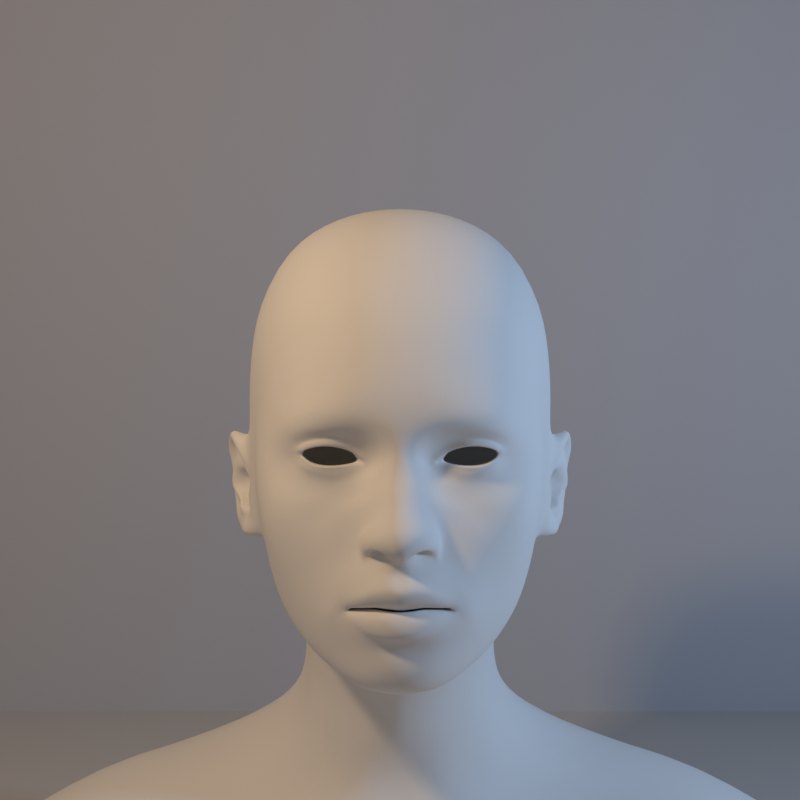
Light has colour as well as direction. A warm lamp (orange, like firelight or late sun) and a cool lamp (blue, like shade or moonlight) placed on opposite sides split a face into a warm side and a cool side.
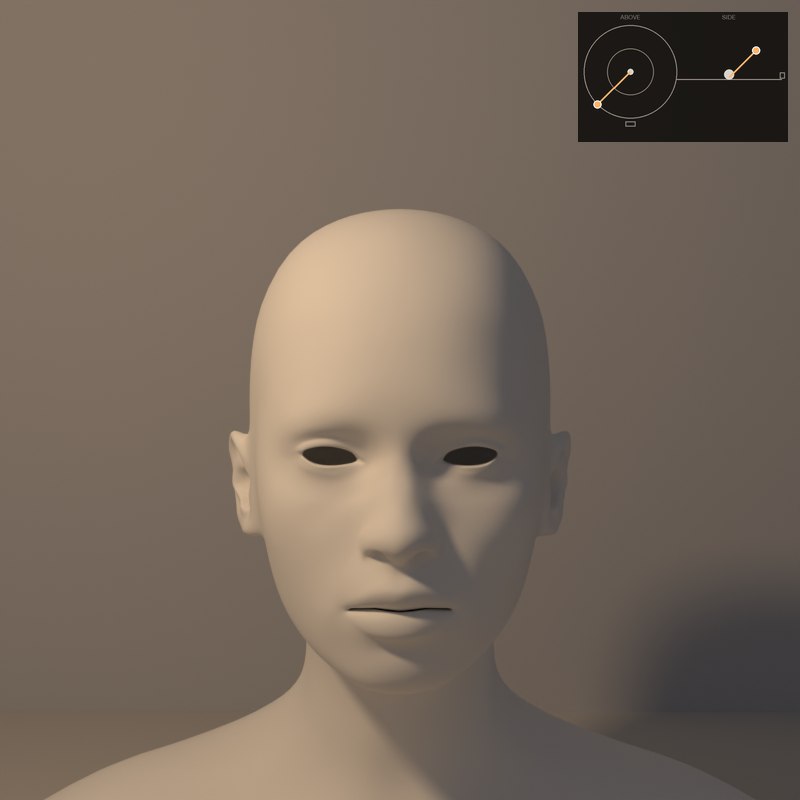
The key is the main lamp; the fill is the weaker one that lifts the shadows. The ratio of key to fill is the mood: strong key, weak fill is dramatic; nearly equal is flat and gentle.
Key and weak fill
Equal
What to look for
Key alone: deep shadow side, the strongest drama.
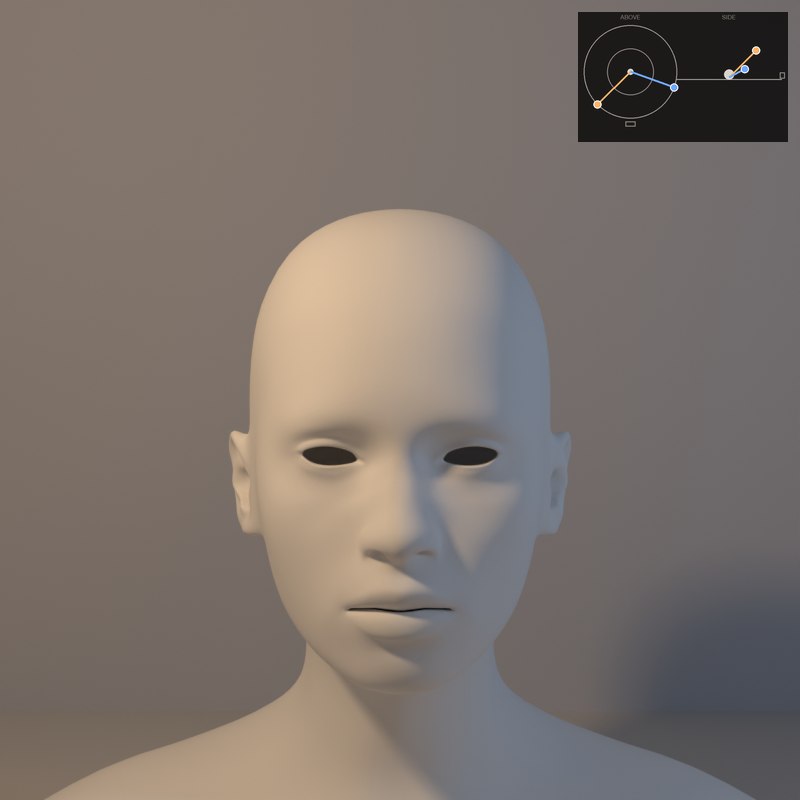
A weak cool fill puts blue into the shadow while the lit side stays warm: the colour of the shadow is the colour of the fill.
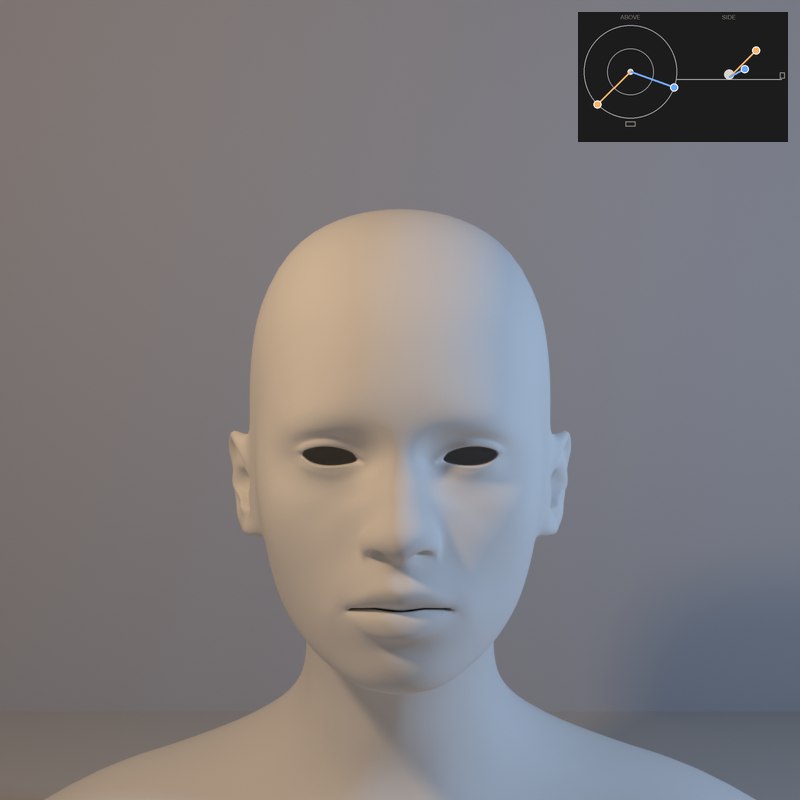
At equal strength the face loses its modelling: colour contrast stays, form contrast is gone.
Complementary pairs (orange and blue) feel natural because that is how sunlight and sky light behave.
Slide Key colour from warm to cool and bring up the Fill light. Warm light against cool shadow is the oldest trick for colour in light.
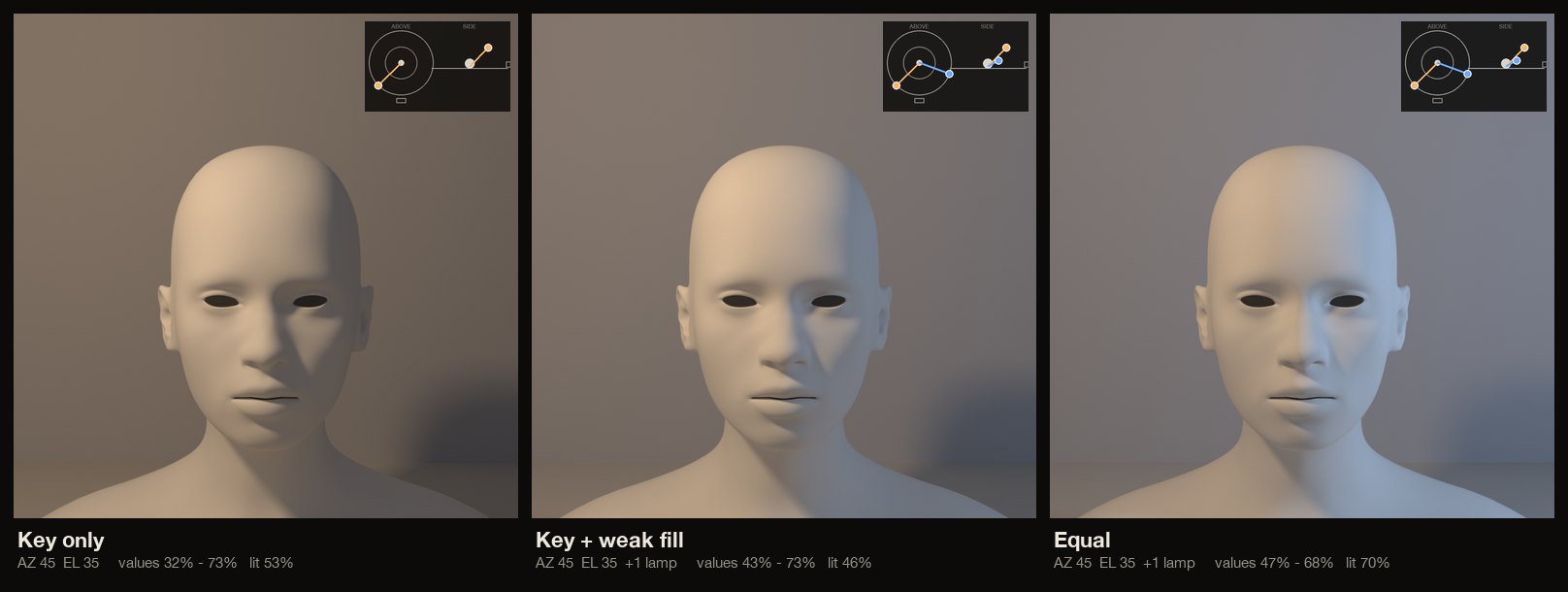
The set-ups, with numbers
Each card is one lamp position: the picture it makes, a diagram of where the lamp stands (azimuth is measured from the camera: 0° is a lamp at the camera, positive turns it toward the picture’s left, 180° is straight behind; elevation is the angle above the table), and the values measured on the form itself.
In painting and in photography
Painters have long cooled the shadows when the light is warm. The shadow is not the lit colour made darker: it has its own colour, from the sky or the room.
Tungsten bulbs are warm, daylight is neutral and open shade is bluer. Gels let a photographer put a warm key and a cool fill on the same face.
Now youAcademy & Pro
Use lamp 1 as a warm key and lamp 2 as a cool fill from the other side. Slide the fill's Intensity from 0 up to the key's level and watch the shadow side change from black to blue to flat.
Open this lesson in the Light Study Room
The room opens with the shape and the first set-up already loaded, and the same diagram you see here follows your lamp as you move it. Drag the lamp’s marker on the picture, or move it on the pad, and switch between Picture, Light only, Surface and Shadow. Or open it from inside the studio: the Study button in the bottom bar, then Academy lessons. The Light Study Room is a separate classroom for learning light on 3D shapes; when you are ready, “Send to studio” takes the shape into the main editor.
Exercises
- Use a warm key and a cool fill at one third of the key's strength. What colour are the shadows?
- Raise the fill to equal strength: what do you lose?
- Swap the colours: a cool key and a warm fill. Which feels like moonlight, which like a fire?