Where the light comes from
The same object under the same lamp looks completely different when the lamp moves. Light from the front flattens.
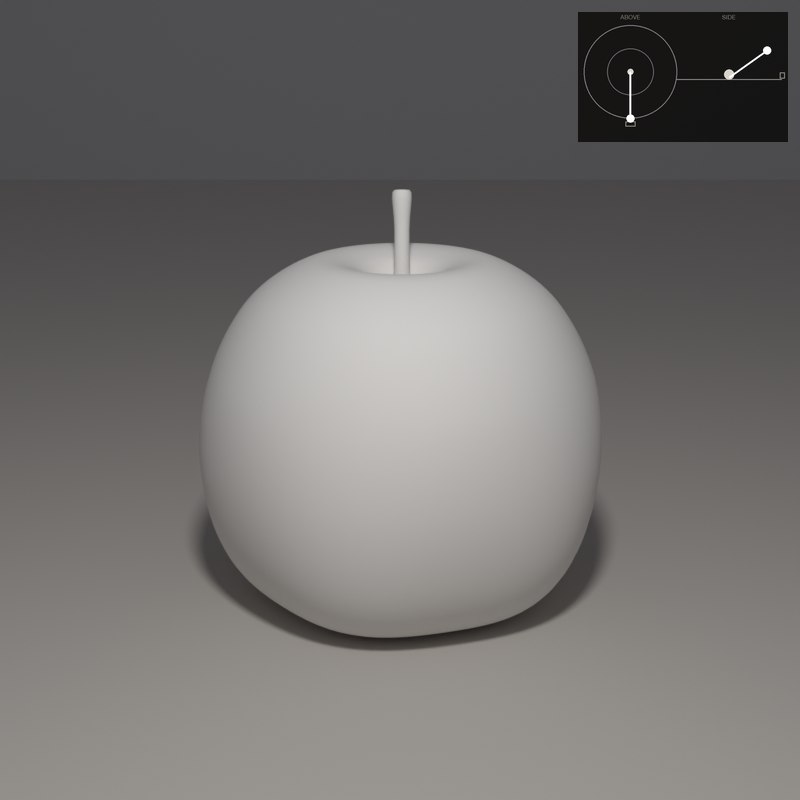
Light from the side carves. Light from behind turns the form into a silhouette with a bright rim.
Light from above makes shadows pool under the form; light from below looks unnatural because we are used to the sun overhead. Choosing a direction is choosing what the viewer will see.
What to look for
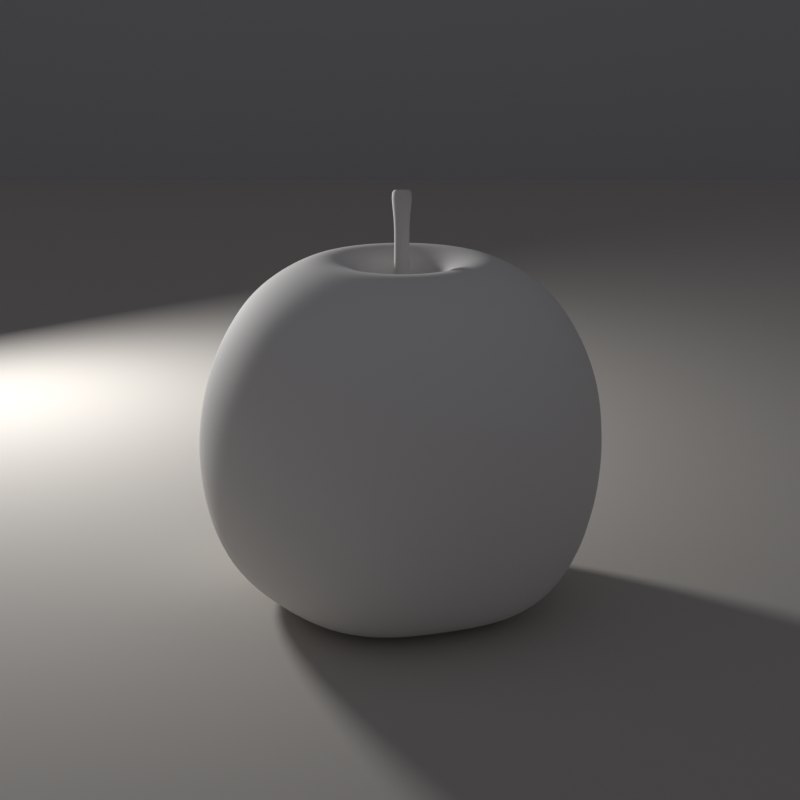
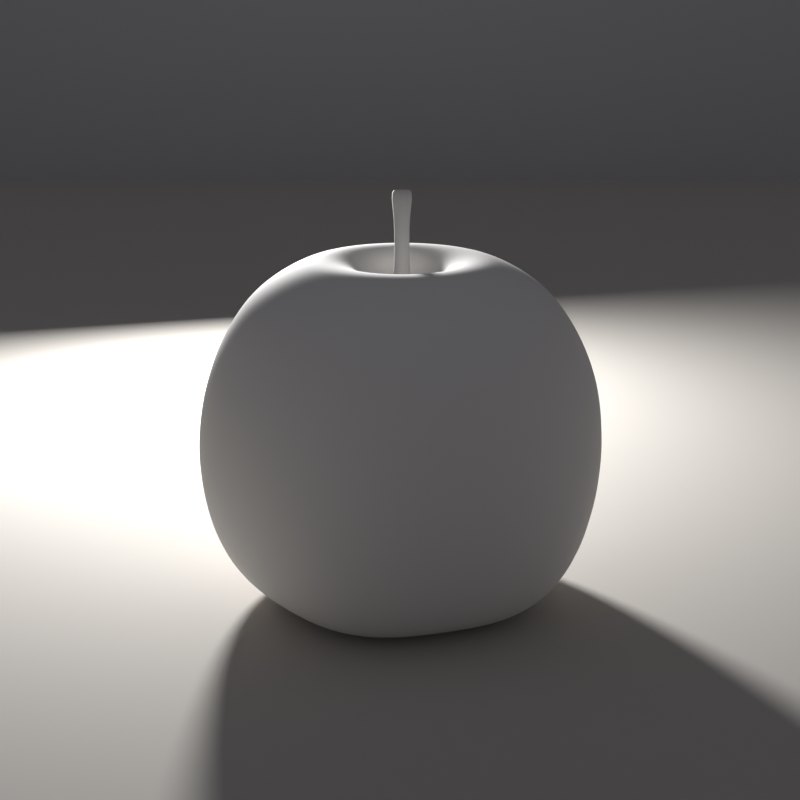
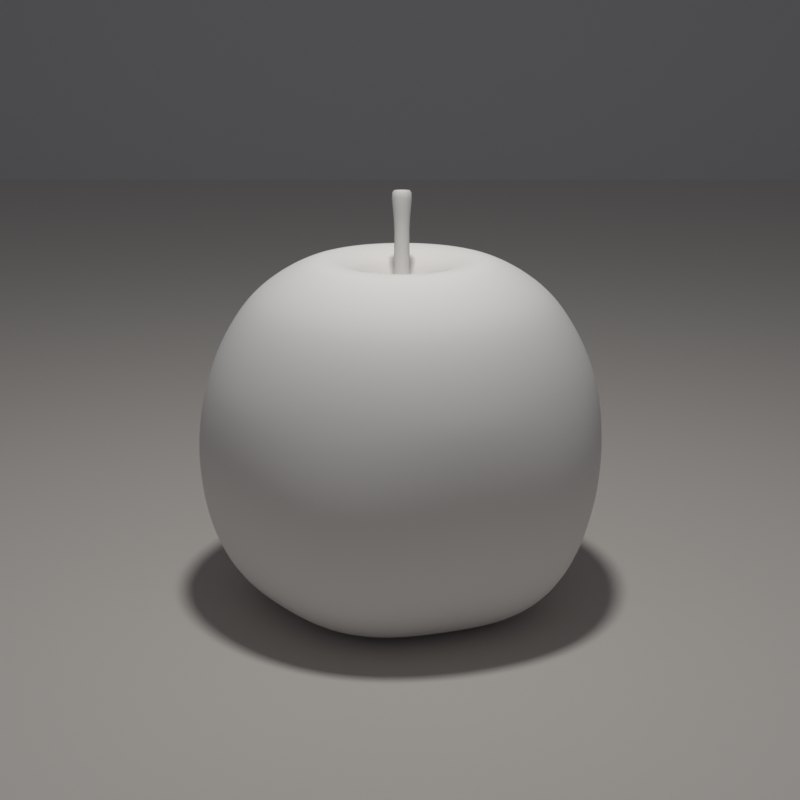
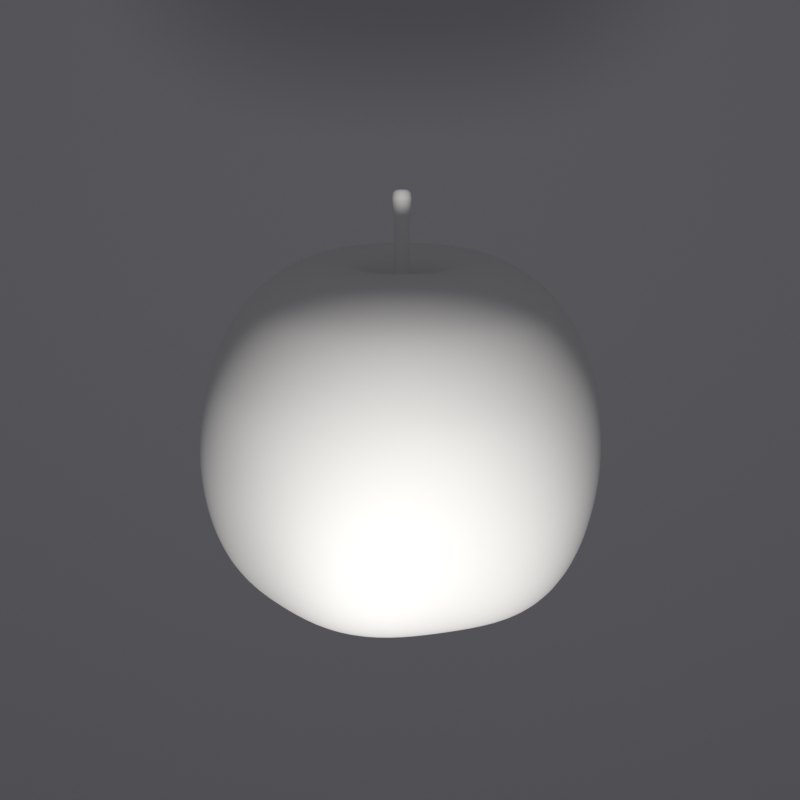
Front light removes the shadows, so the apple looks like a flat disc.
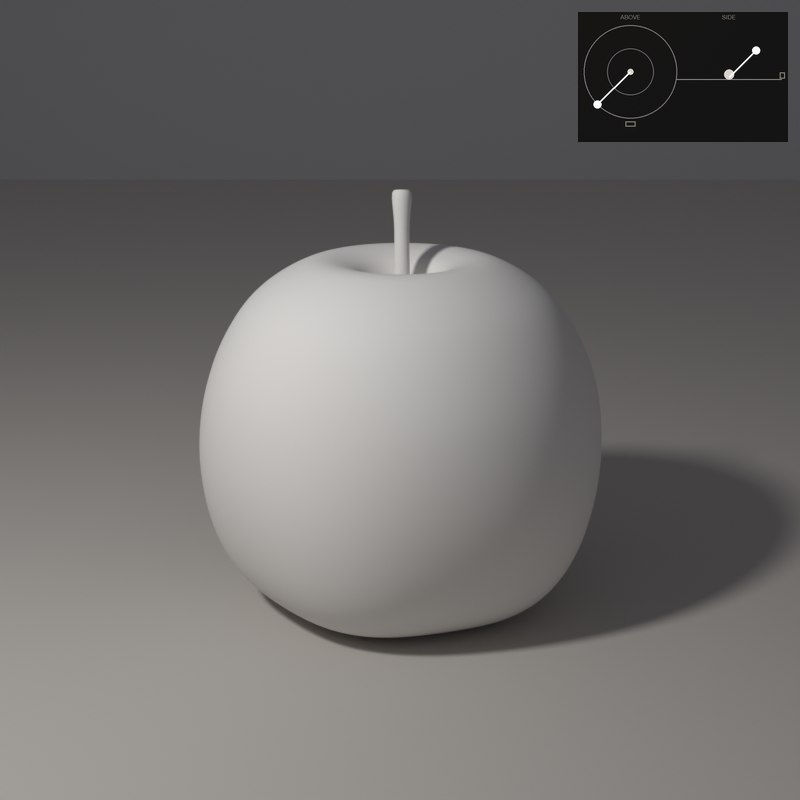
Three-quarter light (around 45 degrees, a little above) is the default of painters: it shows both the form and the surface.
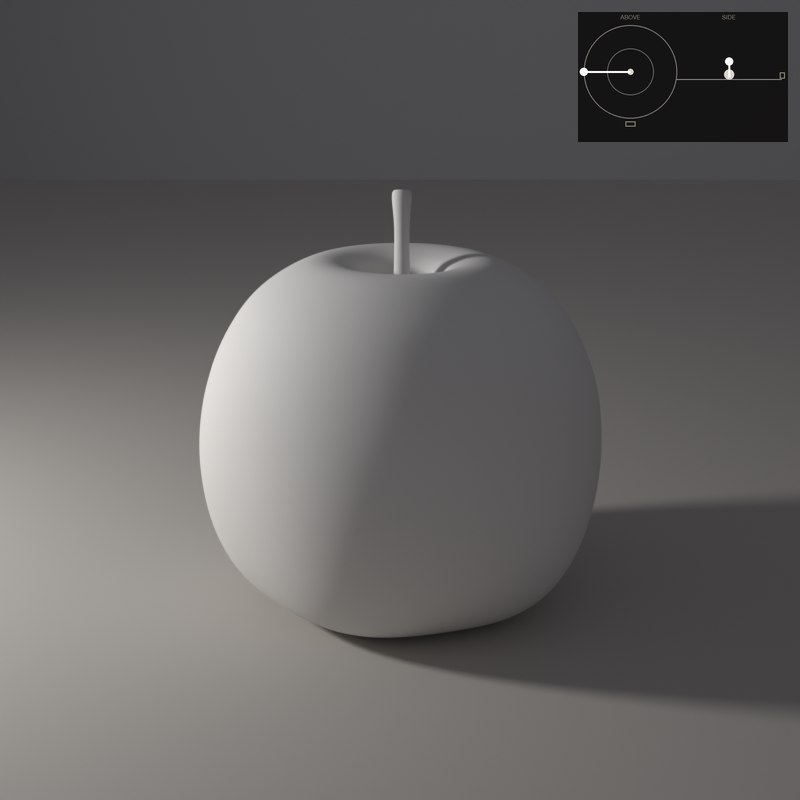
Side light makes half the apple dark. The texture and the roundness are at their strongest.
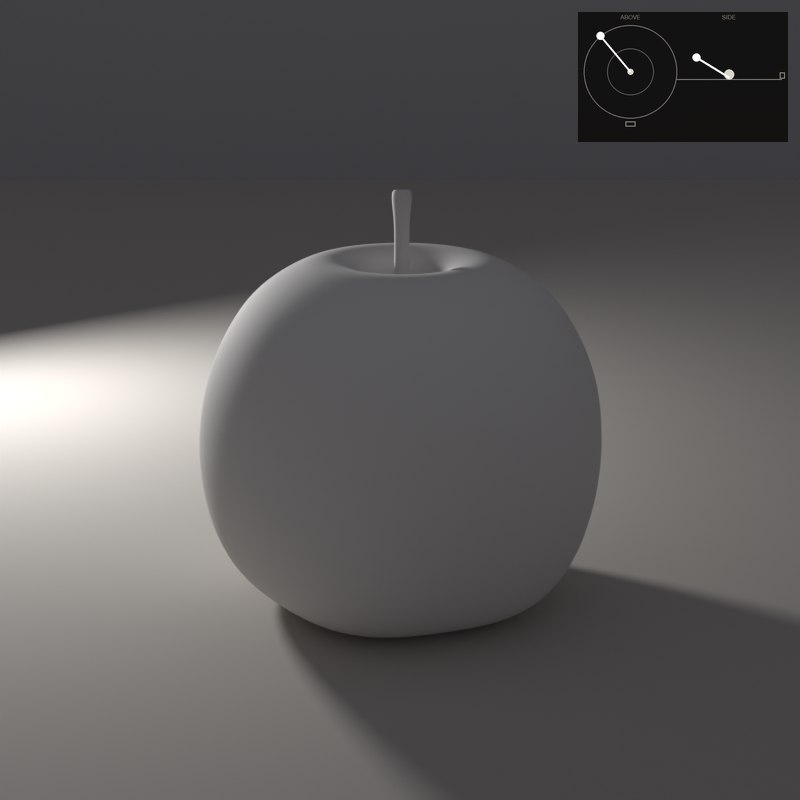
Back light leaves the front in shadow and draws a bright edge: dramatic, but you lose the face of the object.
Slide Direction from the front to the side to behind. The same apple reads as flat, modelled, split or rim-lit.
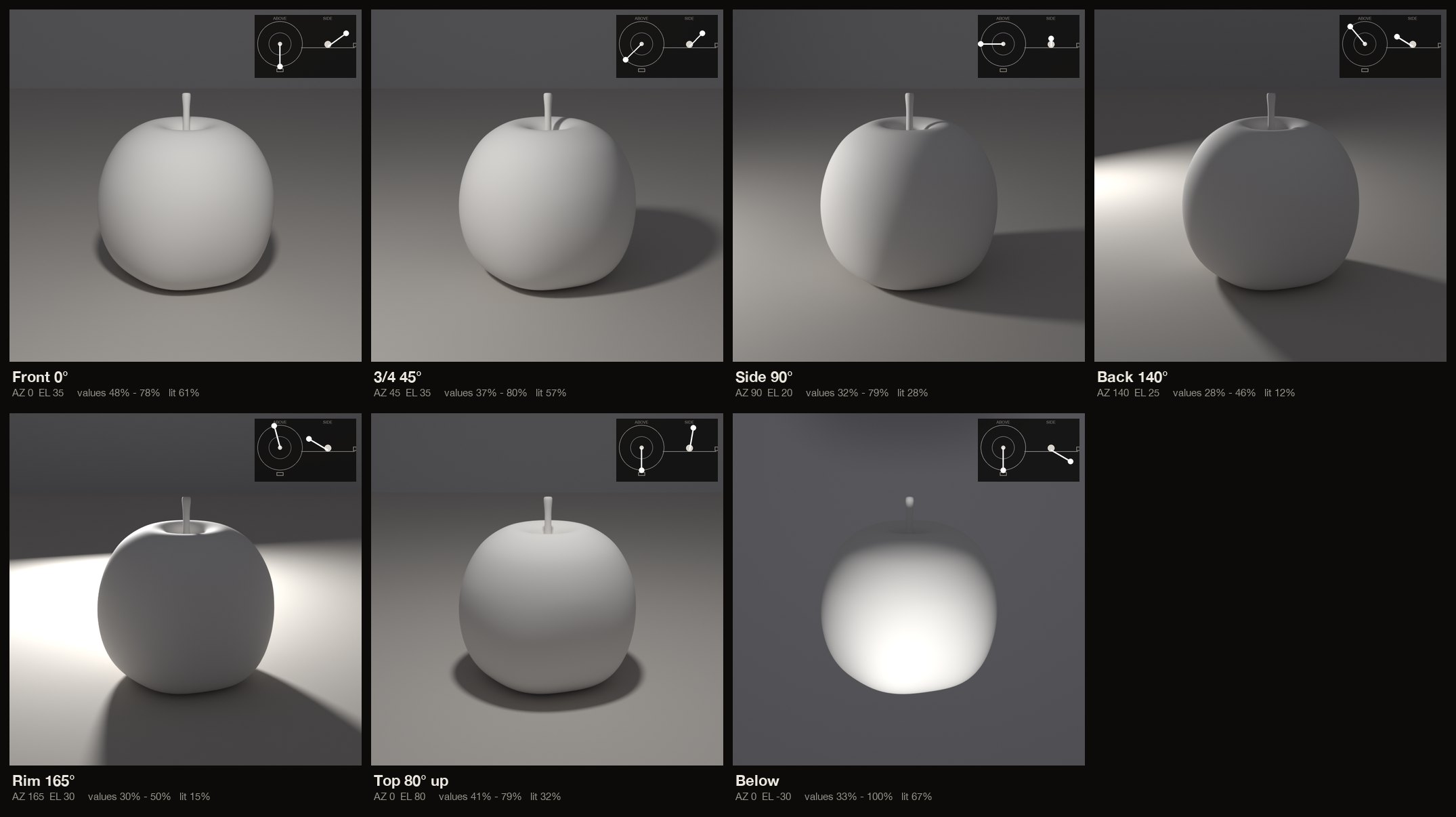
The set-ups, with numbers
Each card is one lamp position: the picture it makes, a diagram of where the lamp stands (azimuth is measured from the camera: 0° is a lamp at the camera, positive turns it toward the picture’s left, 180° is straight behind; elevation is the angle above the table), and the values measured on the form itself.
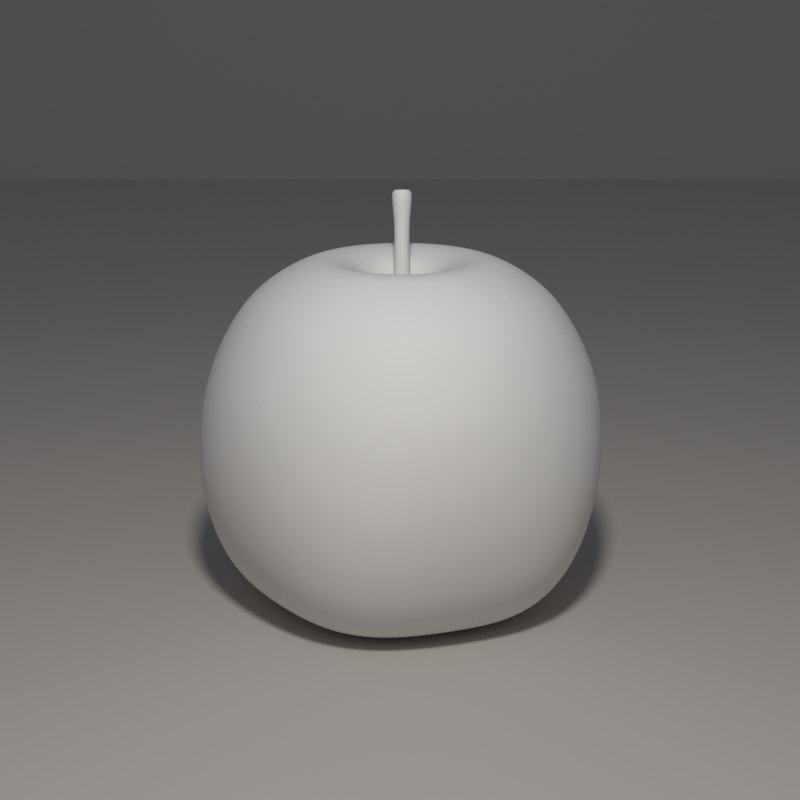
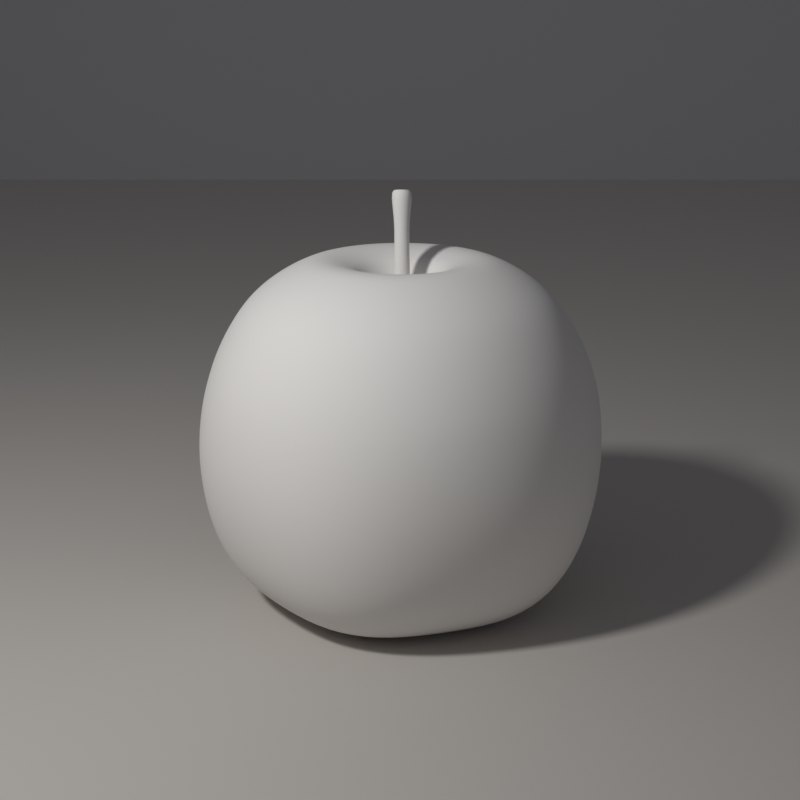
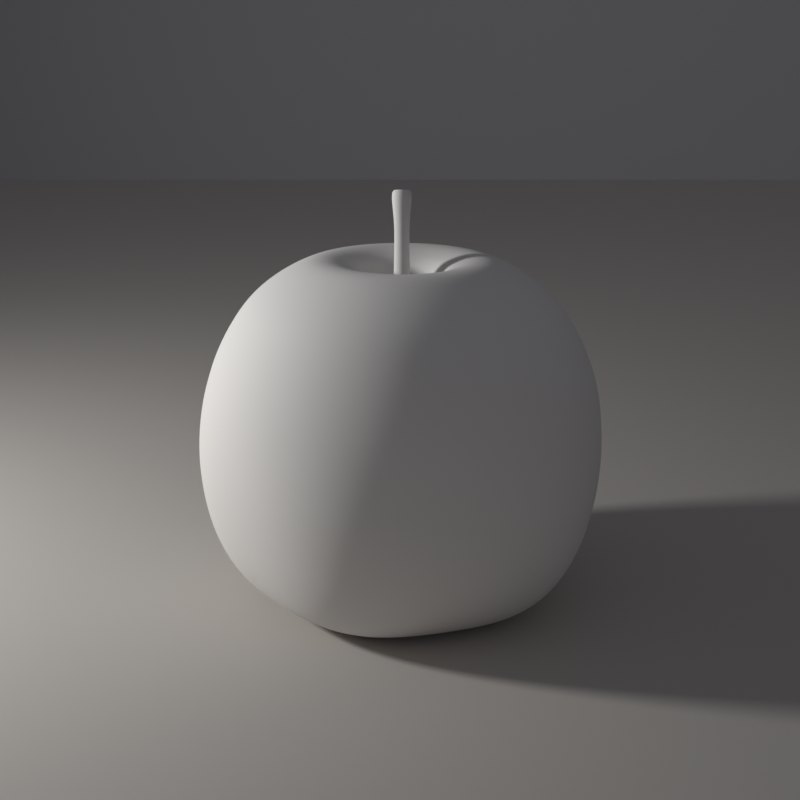
In painting and in photography
Many painters like a window that faces away from the sun, because that light stays steady through the day. Where the window sits relative to the sitter is the first decision of the picture.
In portrait photography the key light usually starts 30 to 45 degrees to one side and a little above eye level. Moving it is the first creative decision you make.
Now youAcademy & Pro
Place the lamp at 0, 45, 90 and 150 degrees on the pad and compare. Then drag the dot on the picture itself and watch the shadow swing across the table like a clock hand.
Open this lesson in the Light Study Room
The room opens with the shape and the first set-up already loaded, and the same diagram you see here follows your lamp as you move it. Drag the lamp’s marker on the picture, or move it on the pad, and switch between Picture, Light only, Surface and Shadow. Or open it from inside the studio: the Study button in the bottom bar, then Academy lessons. The Light Study Room is a separate classroom for learning light on 3D shapes; when you are ready, “Send to studio” takes the shape into the main editor.
Exercises
- Photograph the same apple in your mind at 0, 45 and 90 degrees: which one shows the surface? which shows the shape?
- Find the angle where the rim of light first appears on the far side.
- Point the lamp from below. Why does it look unnatural?