The planes of the head
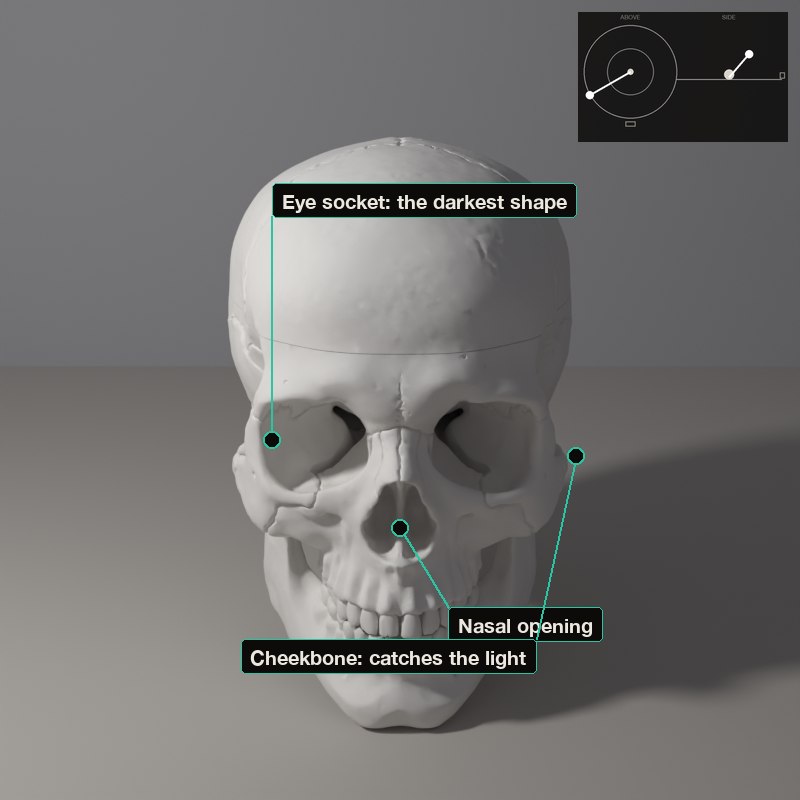
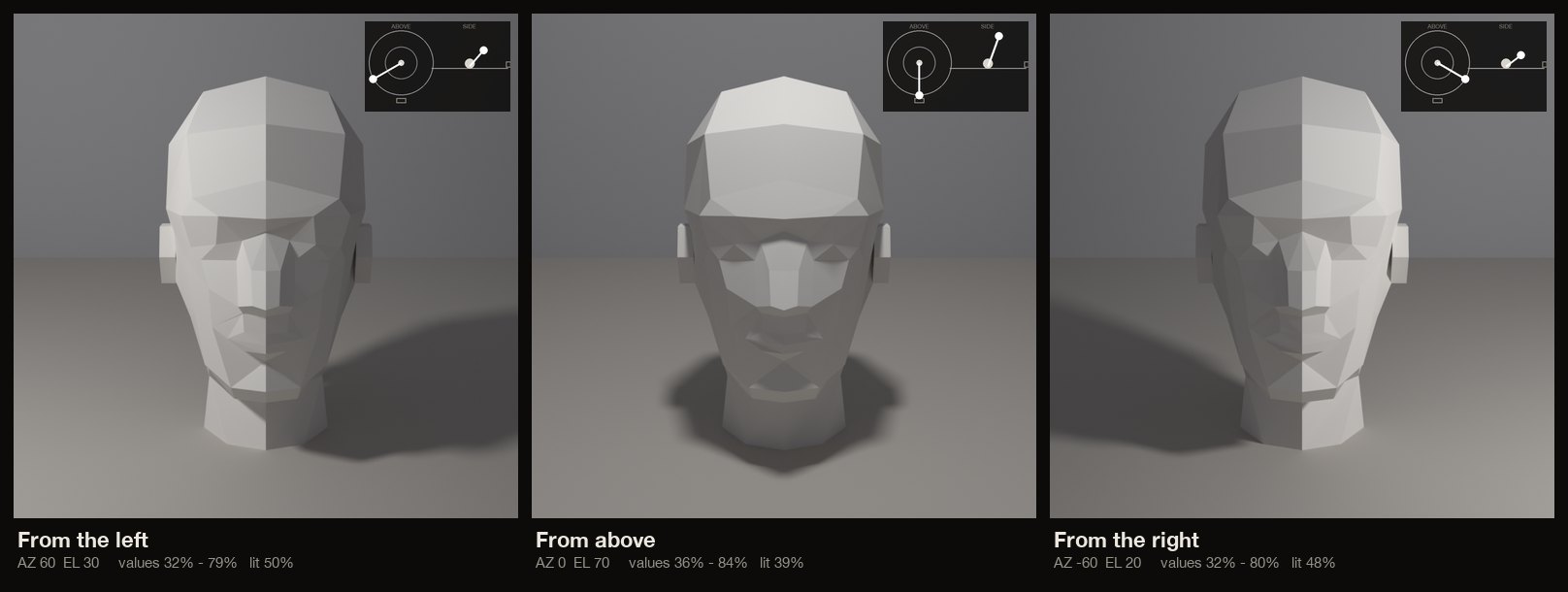
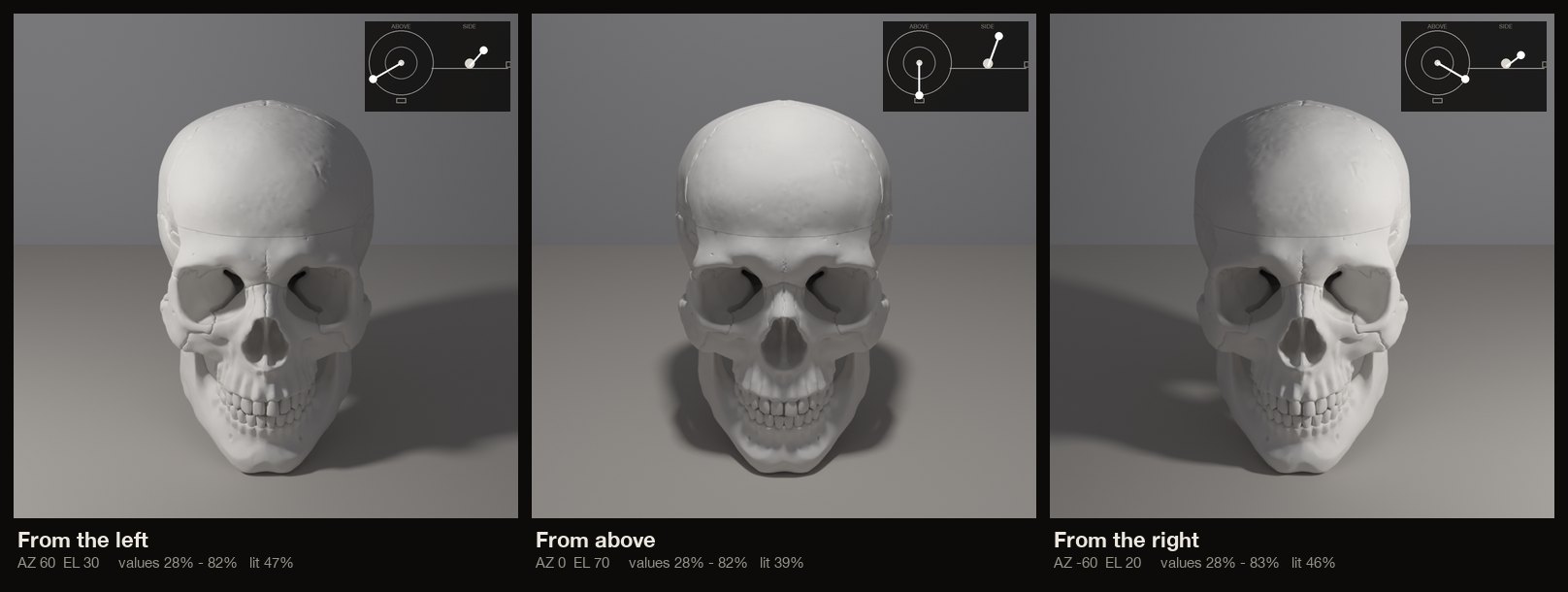
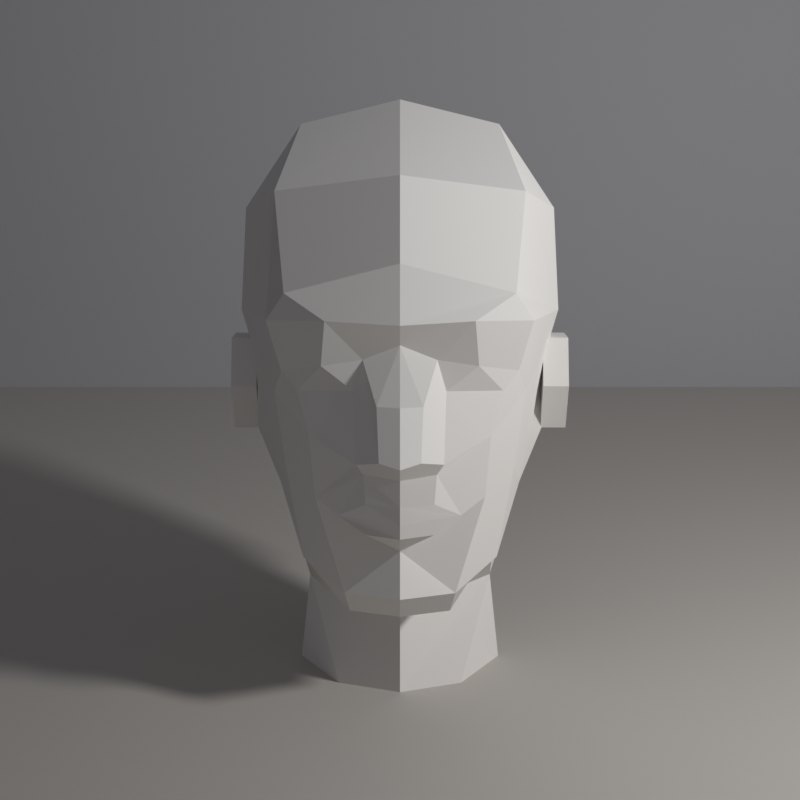
Artists simplify a head into planes (a flat forehead, side planes of the temple, the wedge of the nose, the box of the jaw) because light behaves on a plane as it does on a cube: one plane, one value. A real skull shows the same thing in bone.
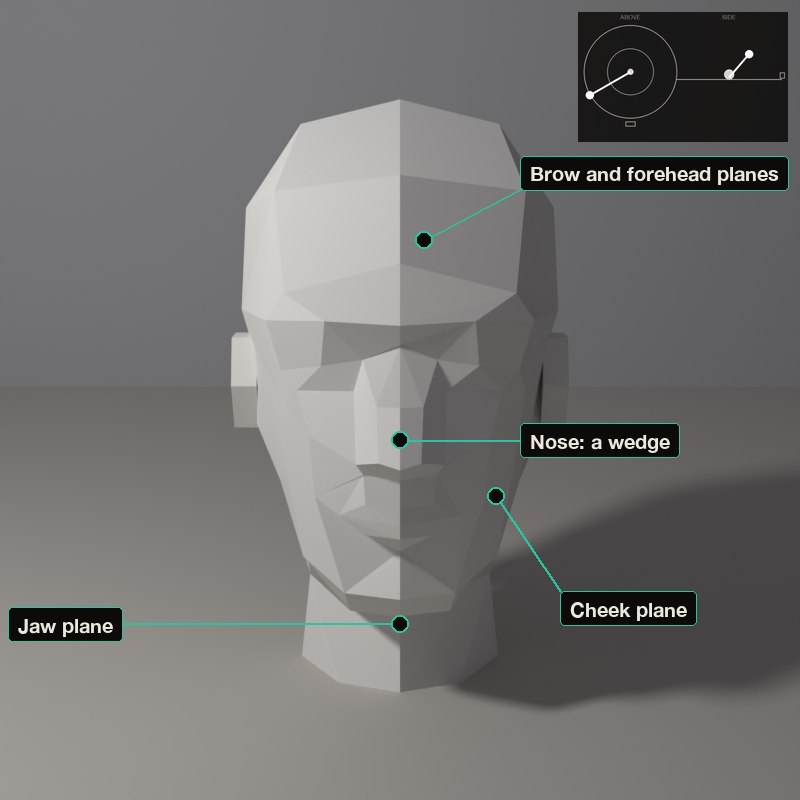
With the planar head you see the planes cleanly; with the skull you see why the face has them. Light from above and the side makes the planes read most clearly.
What to look for
On the planar head each flat facet gets one value: count how many different values you see.
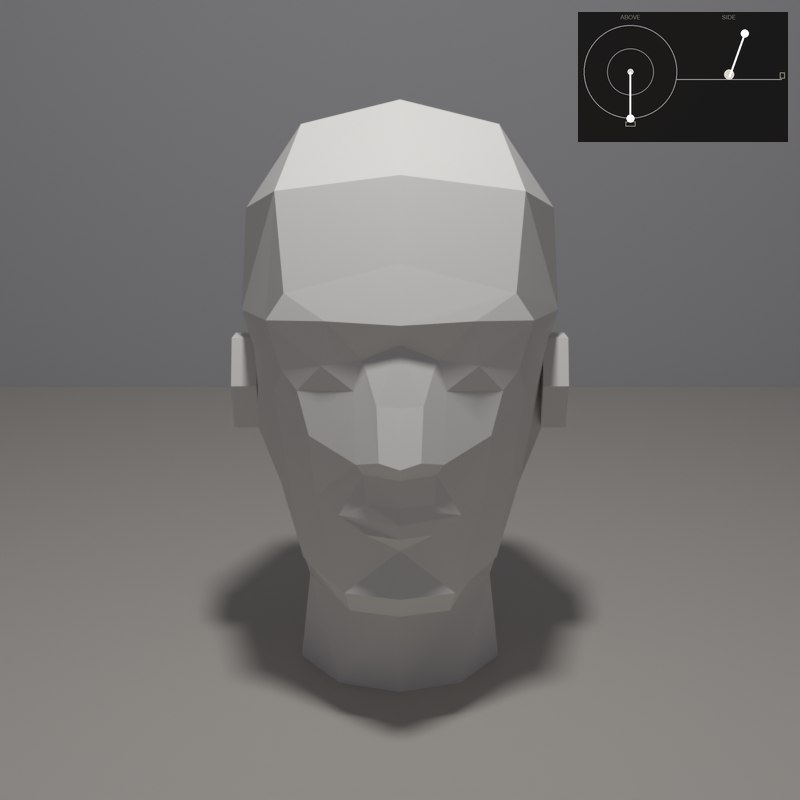
The brow overhangs the eye sockets, so the sockets are dark whenever the lamp is above.
The nose is a wedge: one side lit, one side dark, a small shadow underneath.
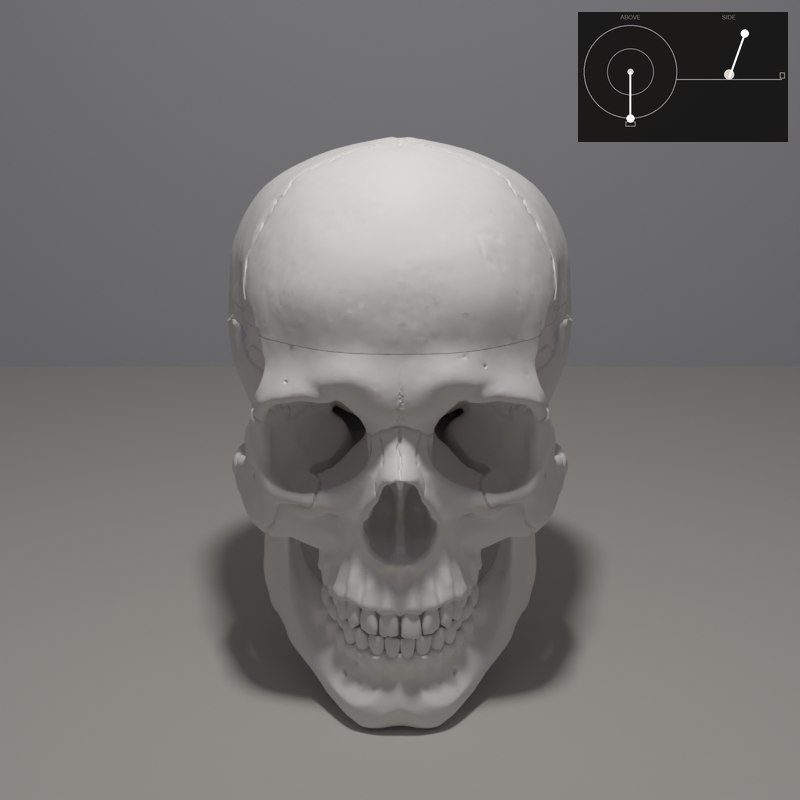
On the skull the cheekbones catch the light and the eye sockets and nasal opening are the darkest shapes.
The head is cut into flat planes. Each plane takes one tone, so move the lamp and see the planes of the forehead, the brow, the cheeks and the jaw change in turn.
The set-ups, with numbers
Each card is one lamp position: the picture it makes, a diagram of where the lamp stands (azimuth is measured from the camera: 0° is a lamp at the camera, positive turns it toward the picture’s left, 180° is straight behind; elevation is the angle above the table), and the values measured on the form itself.
In painting and in photography
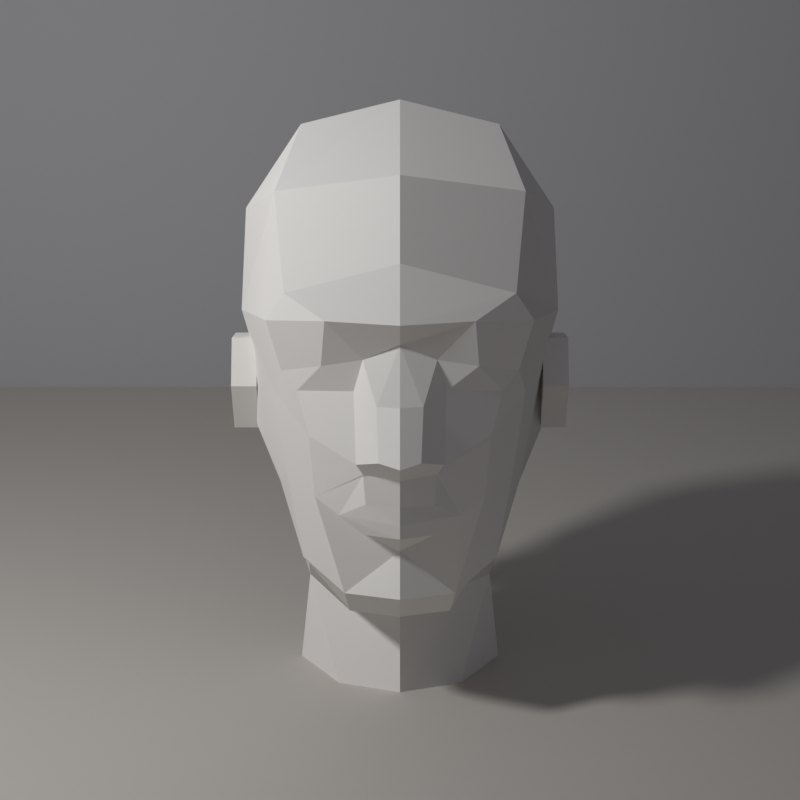
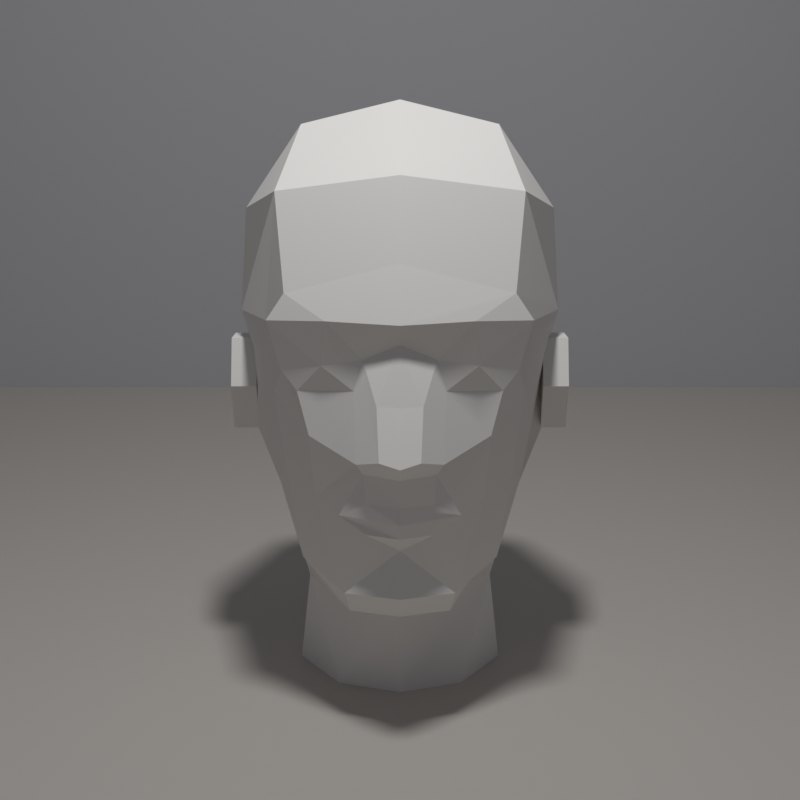
Teachers have long simplified the head into planes, because light behaves on a plane as it does on a cube: one plane, one value. Once the planes are right, the details have somewhere to sit.
The cheekbones and brow ridge catch the light first. A photographer who wants deeper eye sockets lowers the key, one who wants them softer raises it.
Now youAcademy & Pro
Choose the planar head, drag the lamp from far left to far right, then repeat on the skull and the male bust. Notice how the same lamp position gives you the same pattern of planes in all three.
Open this lesson in the Light Study Room
The room opens with the shape and the first set-up already loaded, and the same diagram you see here follows your lamp as you move it. Drag the lamp’s marker on the picture, or move it on the pad, and switch between Picture, Light only, Surface and Shadow. Or open it from inside the studio: the Study button in the bottom bar, then Academy lessons. The Light Study Room is a separate classroom for learning light on 3D shapes; when you are ready, “Send to studio” takes the shape into the main editor.
Exercises
- On the planar head, count the number of distinct values you see from the left. Then from above.
- On the skull, find the lamp position where both eye sockets are completely dark.
- Compare the nose on the planar head and on the bust: where is the shadow plane?