The values of light
Painters have always split the lit side of a form into the same few bands. The highlight is the brightest spot.
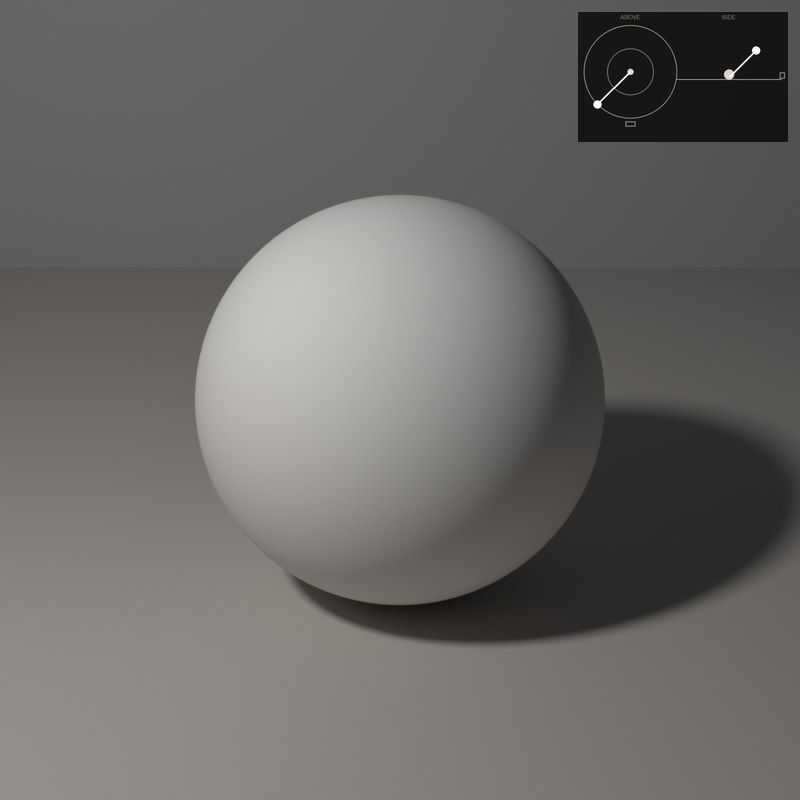
The light is the lit surface. The halftone is where the surface turns away.
The bands run from the highlight, nearly white, down to the cast shadow. The core shadow is the darkest band on the form itself.
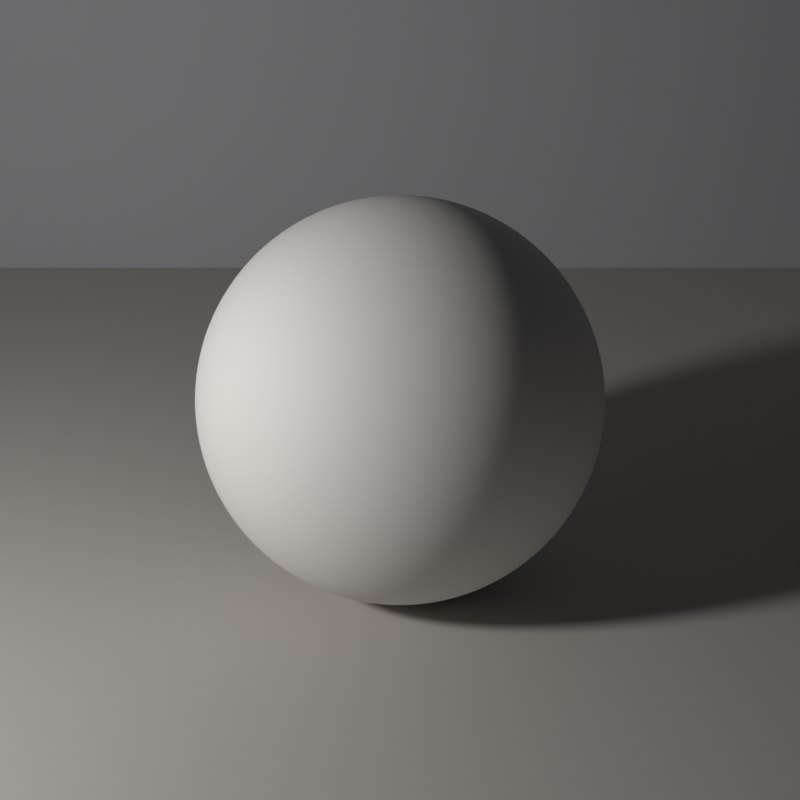
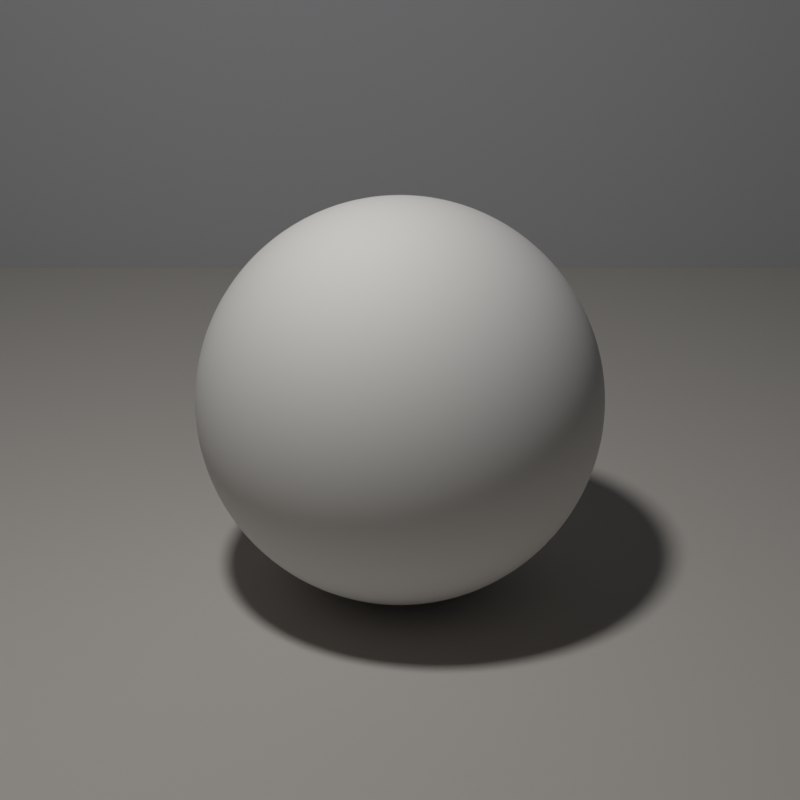
The core shadow is the darkest band, just past the turn, and it is not the edge. Reflected light is a soft glow inside the shadow, bounced back from the table. The cast shadow lies on the table: darkest where it touches the form, and lighter and softer as it travels away.
What to look for
The core shadow sits inside the form, not at its edge: the edge is lighter because of reflected light.
The cast shadow is darkest and sharpest where it touches the sphere and softens as it leaves. How it compares with the core shadow depends on how much light the table bounces into it.
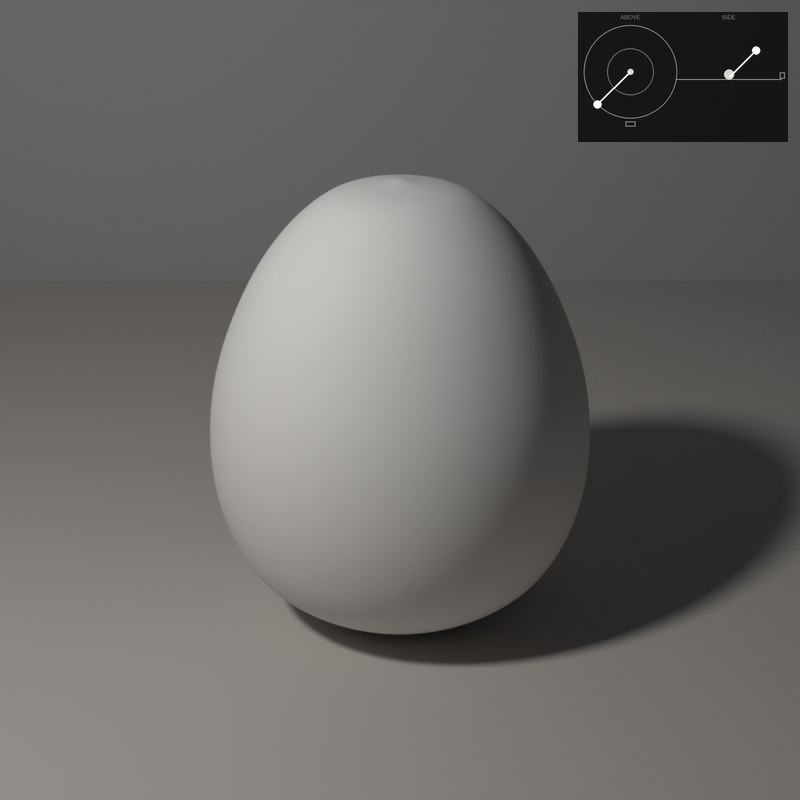
Reflected light is darker than both the light and the halftone. If you make it as bright as the lit side, the form flattens.
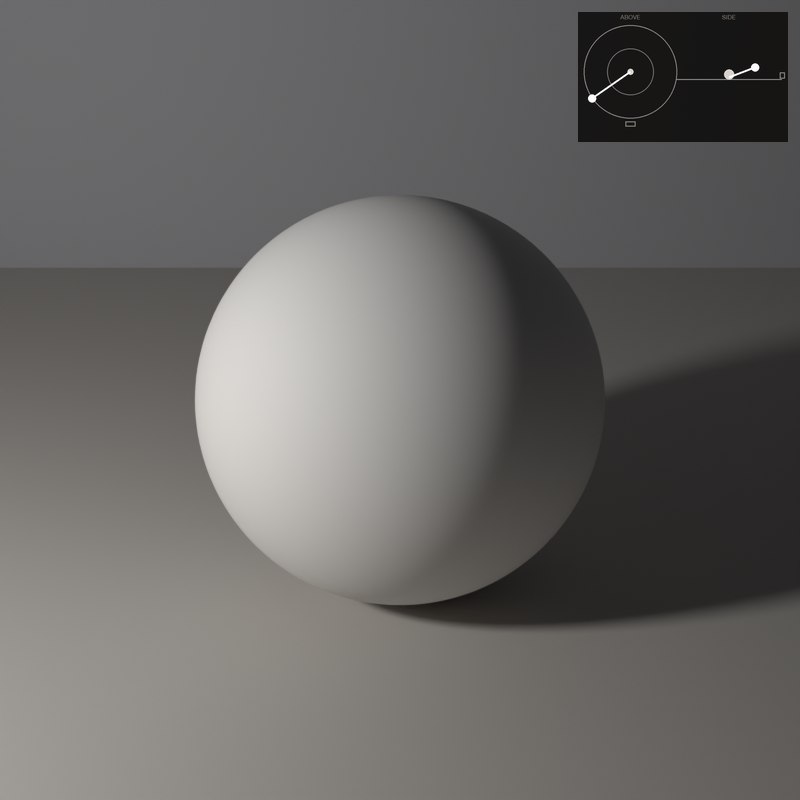
Turn the lamp lower and the halftone band grows; turn it higher and the cast shadow shortens.
On the sphere you can find all five values: highlight, light, core shadow, reflected light and cast shadow. Move the lamp and watch each one travel.
The set-ups, with numbers
Each card is one lamp position: the picture it makes, a diagram of where the lamp stands (azimuth is measured from the camera: 0° is a lamp at the camera, positive turns it toward the picture’s left, 180° is straight behind; elevation is the angle above the table), and the values measured on the form itself.
In painting and in photography
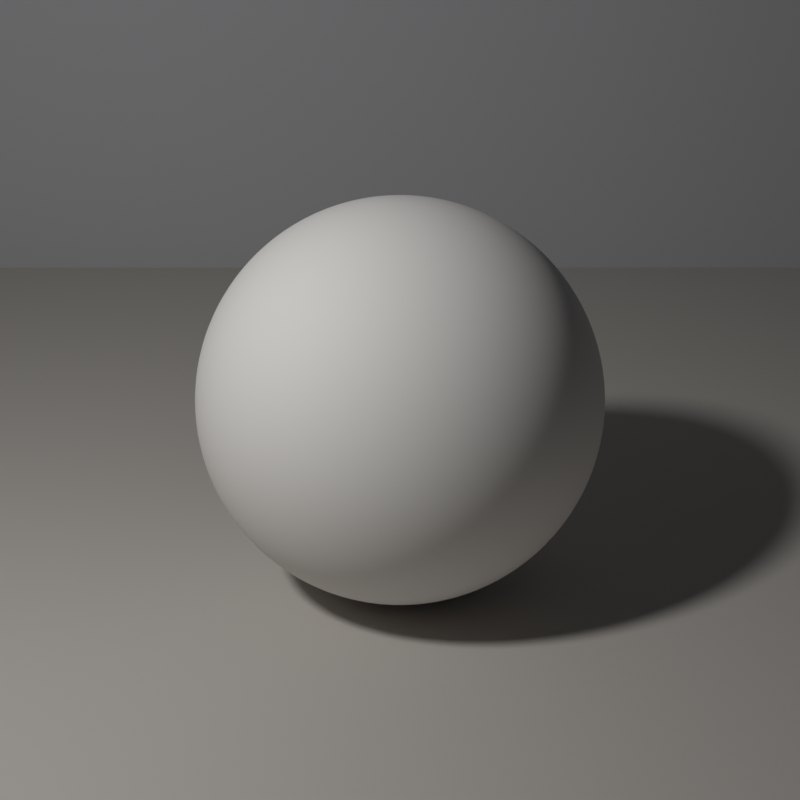
Painting manuals teach these bands in the same order because modelling a form needs only a handful of tones, placed correctly. Getting the core shadow into the form, away from its edge, is what makes it turn.
The same bands appear in a photograph. A fill that is too strong fills the core shadow and erases the modelling, which is why portraits lit from the front look flat.
Now youAcademy & Pro
Open the Light-only view and then the Shadow view: the shadow view shows only the cast shadow, the light-only view shows the values without colour. Move the lamp until you can count five separate bands.
Open this lesson in the Light Study Room
The room opens with the shape and the first set-up already loaded, and the same diagram you see here follows your lamp as you move it. Drag the lamp’s marker on the picture, or move it on the pad, and switch between Picture, Light only, Surface and Shadow. Or open it from inside the studio: the Study button in the bottom bar, then Academy lessons. The Light Study Room is a separate classroom for learning light on 3D shapes; when you are ready, “Send to studio” takes the shape into the main editor.
Exercises
- Name each band on the sphere from the lit side to the shadow side.
- Turn on a second, weak lamp opposite the first. Which band do you lose first?
- Switch to the Shadow view. Where is the cast shadow darkest?