Hard light, soft light and distance
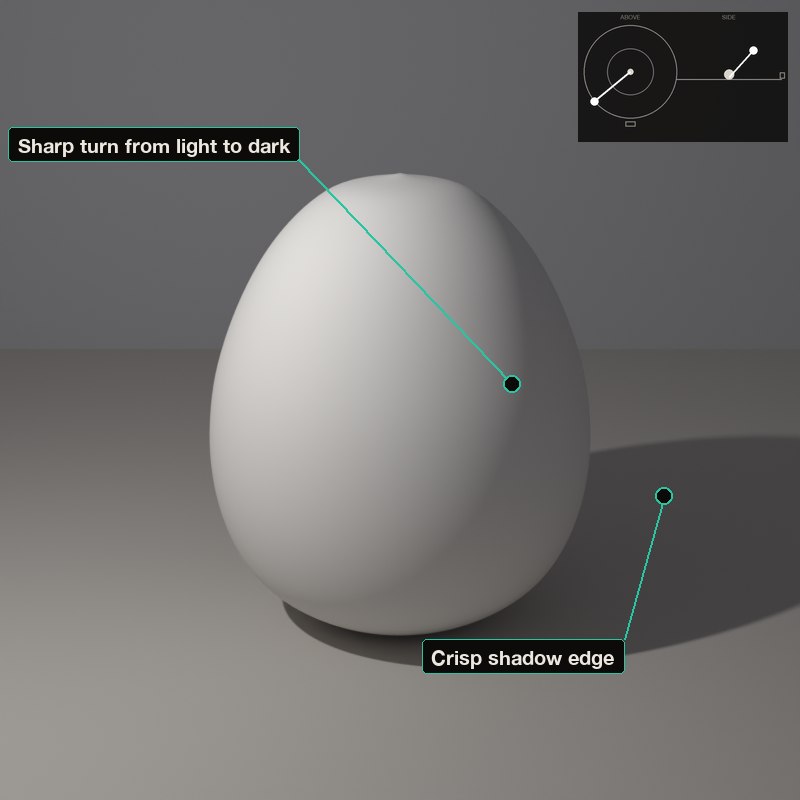
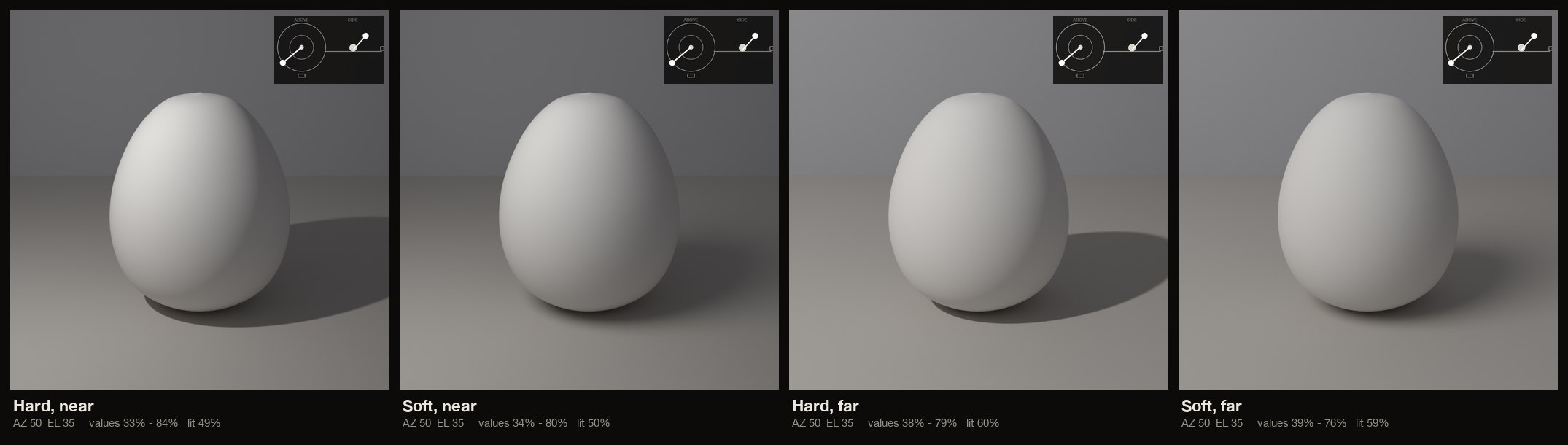
A small source makes hard light: sharp shadow edges and an abrupt turn from light to dark. A large source makes soft light: the shadow edges melt and the turn is gradual.
Vermeer's window and da Vinci's sfumato are soft; a candle or a bare bulb is hard. Distance matters too: a lamp close to the subject lights the near side far brighter than the far side, a distant lamp lights everything almost evenly.
A bigger source (or a nearer one) gives a wider soft zone between full light and full shadow.
What to look for
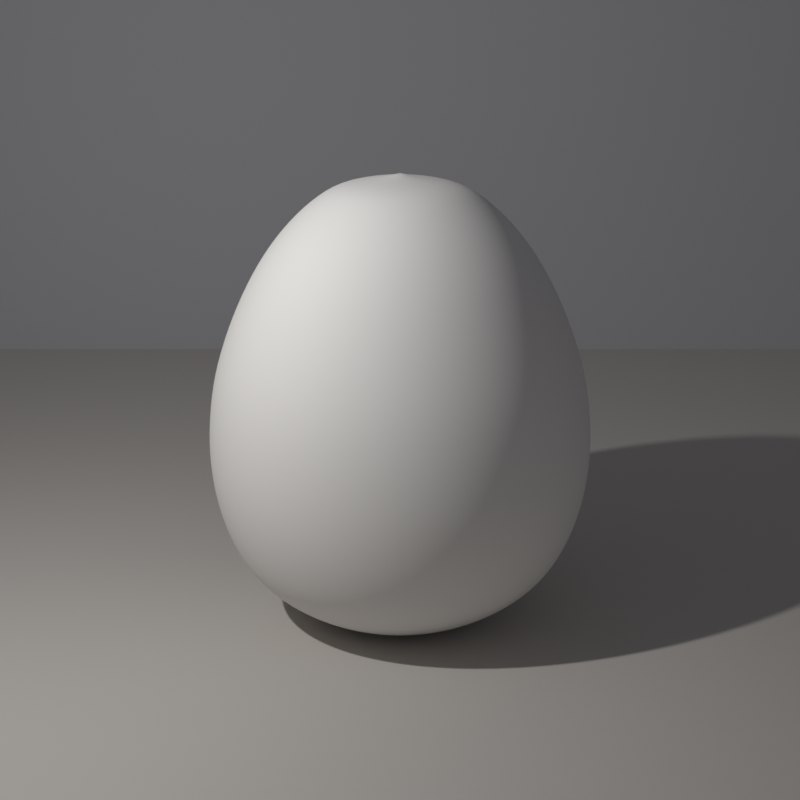
With hard light the cast shadow has a crisp edge and the core shadow is a clear line.
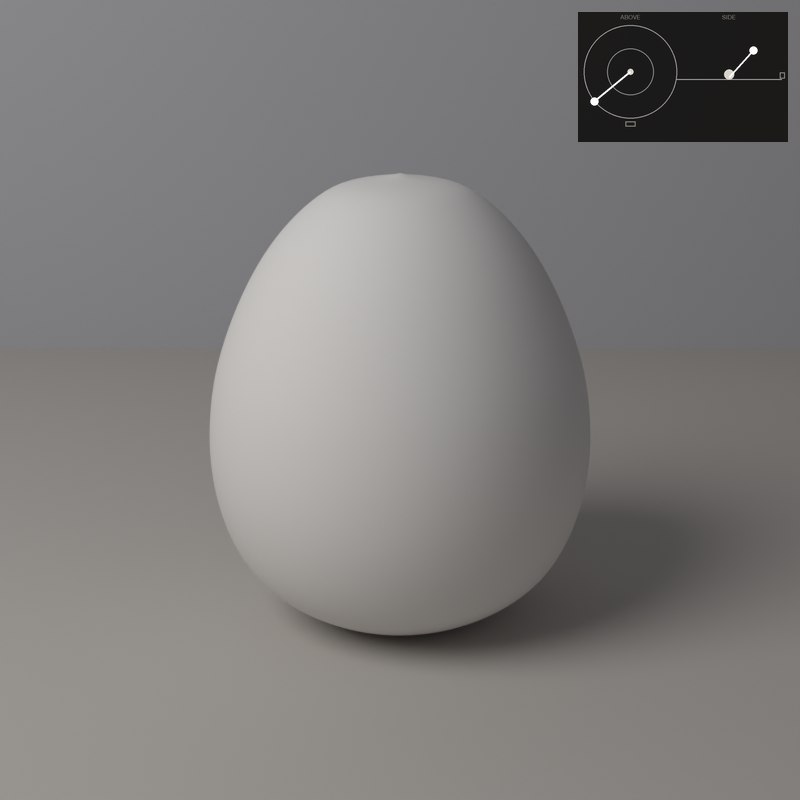
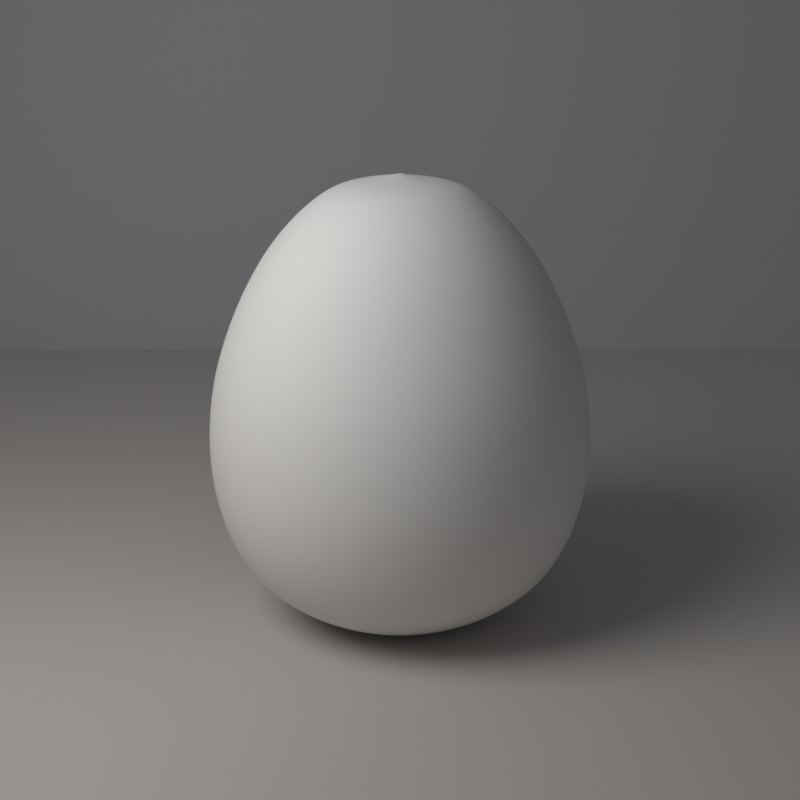
With soft light the shadow edge dissolves, most obviously far from the object.
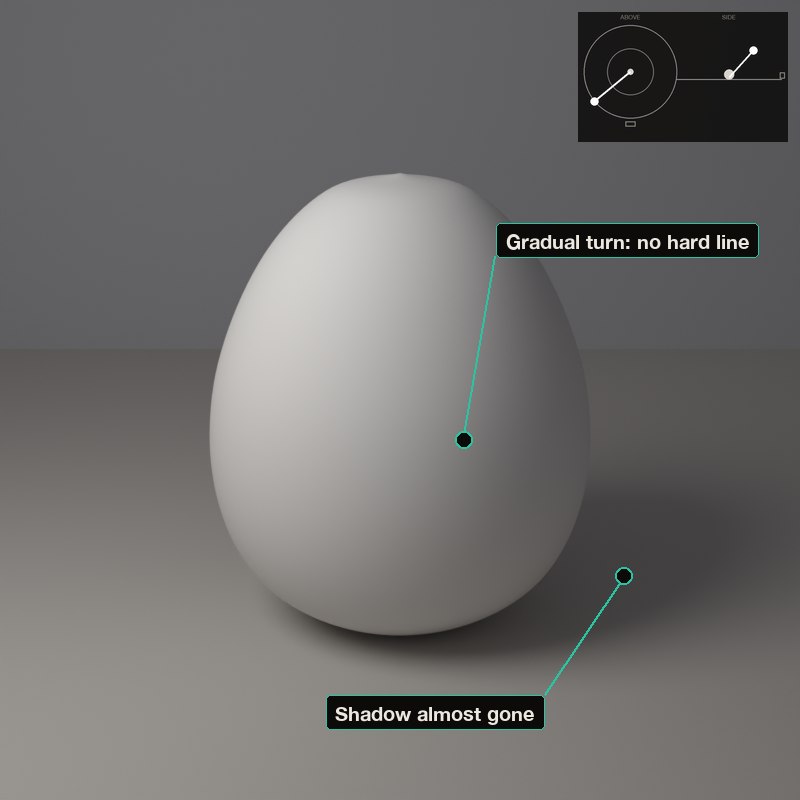
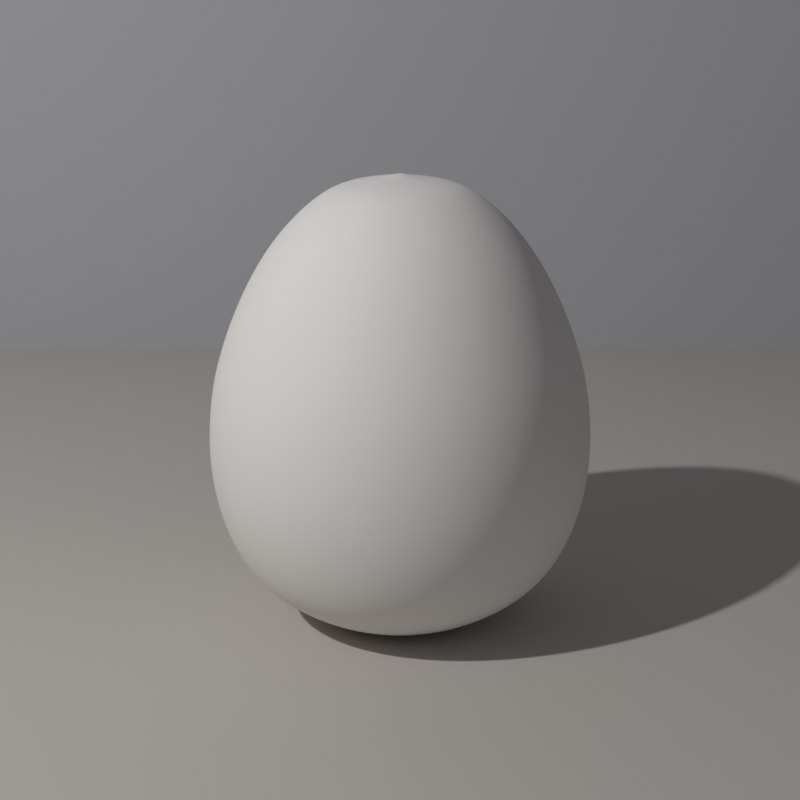
A near lamp makes a steep gradient across the form; a far lamp flattens it.
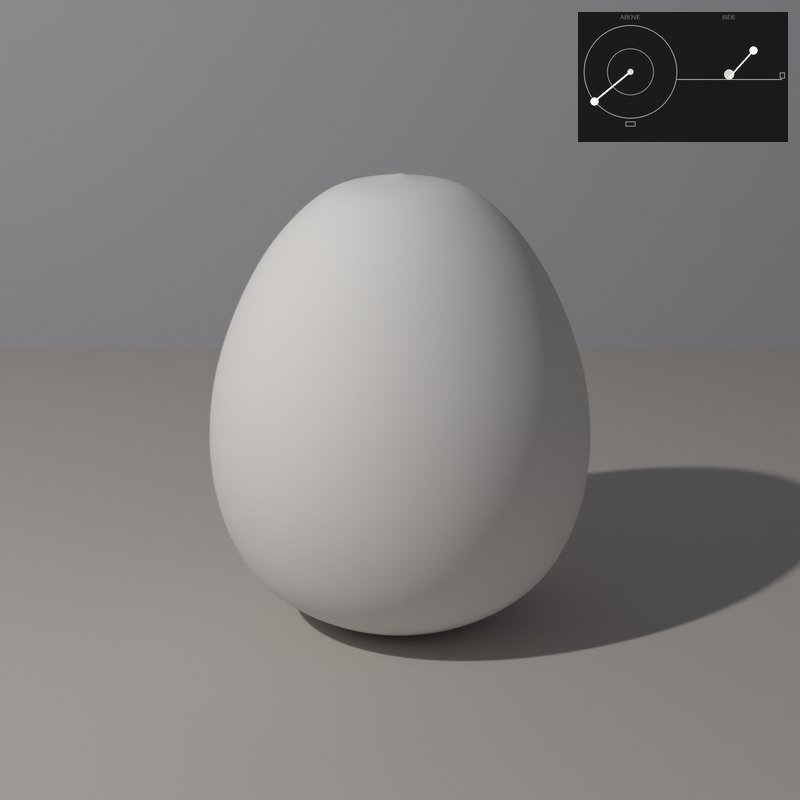
Soft light is forgiving on skin; hard light shows every surface detail.
Raise Softness: the edge of the shadow and the turn of the form both widen. A big source is a soft one.
The set-ups, with numbers
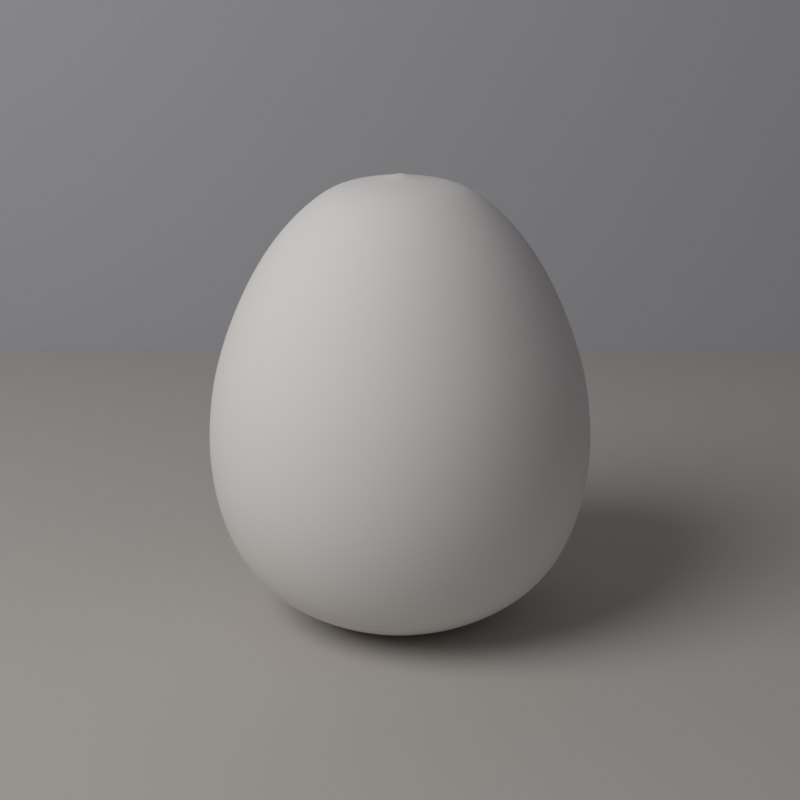
Each card is one lamp position: the picture it makes, a diagram of where the lamp stands (azimuth is measured from the camera: 0° is a lamp at the camera, positive turns it toward the picture’s left, 180° is straight behind; elevation is the angle above the table), and the values measured on the form itself.
In painting and in photography
Soft light suits skin and subtle transitions. Hard light suits metal, stone and drama, and it is what makes a form look sculpted.
A source that is larger relative to the subject is softer. Bringing a lamp closer makes it larger relative to the subject, so the shadows soften and the light falls off faster across the form.
Now youAcademy & Pro
Use the Shadow softness slider in the room from 0 to 100 and watch the cast shadow edge. Then slide Distance from 0.35 to 3 with the lamp in the same direction.
Open this lesson in the Light Study Room
The room opens with the shape and the first set-up already loaded, and the same diagram you see here follows your lamp as you move it. Drag the lamp’s marker on the picture, or move it on the pad, and switch between Picture, Light only, Surface and Shadow. Or open it from inside the studio: the Study button in the bottom bar, then Academy lessons. The Light Study Room is a separate classroom for learning light on 3D shapes; when you are ready, “Send to studio” takes the shape into the main editor.
Exercises
- Set Shadow softness to 0, then 100: what happens to the cast shadow edge, and to the core shadow?
- Slide Distance from 0.35 to 3: which side of the egg loses its light first?
- Which of the four set-ups would you choose for skin? for a metal jug?