Volux.io — Volume · Light · Form
Learn to see light the way Rembrandt, Caravaggio, and Vermeer did.
Relight any portrait in 3D. Transform it into a master painting style.
Then learn exactly how and why it works.
We do not replicate or copy any artist's paintings. VOLUX teaches technique and transforms images into a representation of what they would look like if painted by the masters. For art education and reference only.
Upload. Relight. Transform. Learn.
Four steps from a regular photo to a master painting study.
Upload Any Portrait
Drop in any photo. Colour, black and white, selfie, professional headshot, or even a drawing. VOLUX works with everything.
Relight in 3D
Our normal-map engine detects the 3D shape of the face. Move lights around in real time. See exactly how light falls on real geometry.
Apply a Master Style
Click any master artist. Our AI analyses the photo and applies their exact technique — palette, lighting, texture, atmosphere. Your face stays. The art transforms it.
Learn Why It Works
Every style comes with a deep-dive lesson. Understand the palette, the lighting setup, the colour temperature. Then paint it yourself on canvas using VOLUX as your guide.
Not a filter app. A professional tool
built for artists who want to understand light.
VOLUX uses the same maths as film VFX studios. Normal-mapped relighting. Lambertian diffuse. Blinn-Phong specular. ACES tonemapping. Running in your browser.
V.Create — AI Image Generator
Describe what you want and the AI generates it in any master style. Then relight the result with the 3D engine. The full creative pipeline — prompt to final artwork — in one tool.
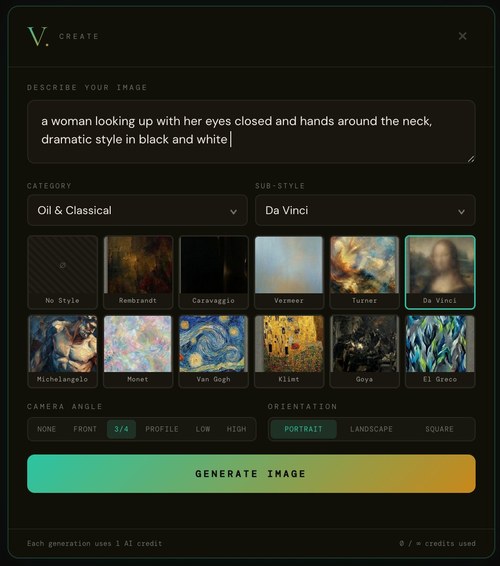
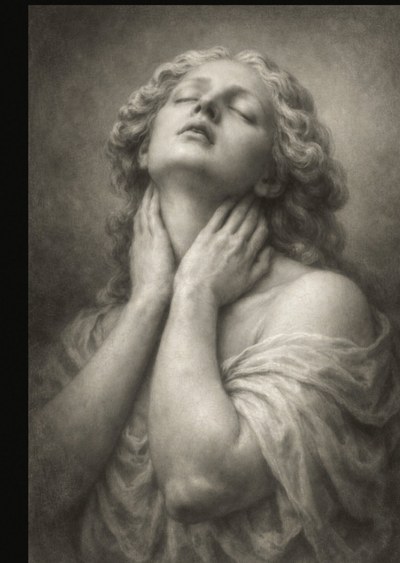
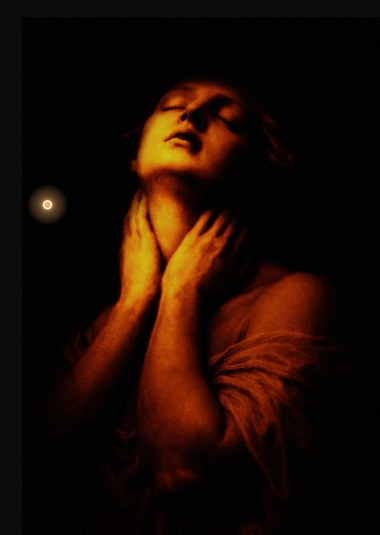
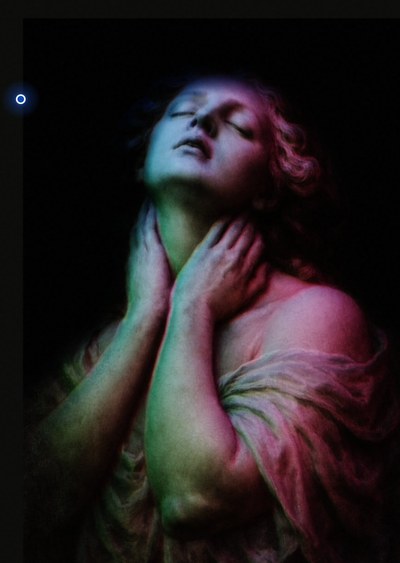
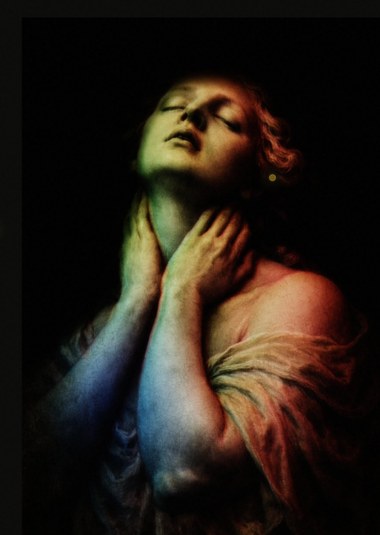
- Text prompt + style = new artwork in seconds
- 8 categories, 97 sub-styles across all genres
- Camera angle presets: Front, 3/4, Profile, Low, High
- AI result feeds directly into the relighting engine
- Portrait, landscape, or square orientation
- Each generation uses 1 AI render credit
3D Relighting Engine
Upload any image and VOLUX computes a 3D normal map. Then it simulates real light physics on that surface. Move lights and watch shadows, highlights, and rim light respond in real time. 12 mood presets give you instant cinematic setups. Total Darkness mode starts from pure black — only your lights reveal the image.
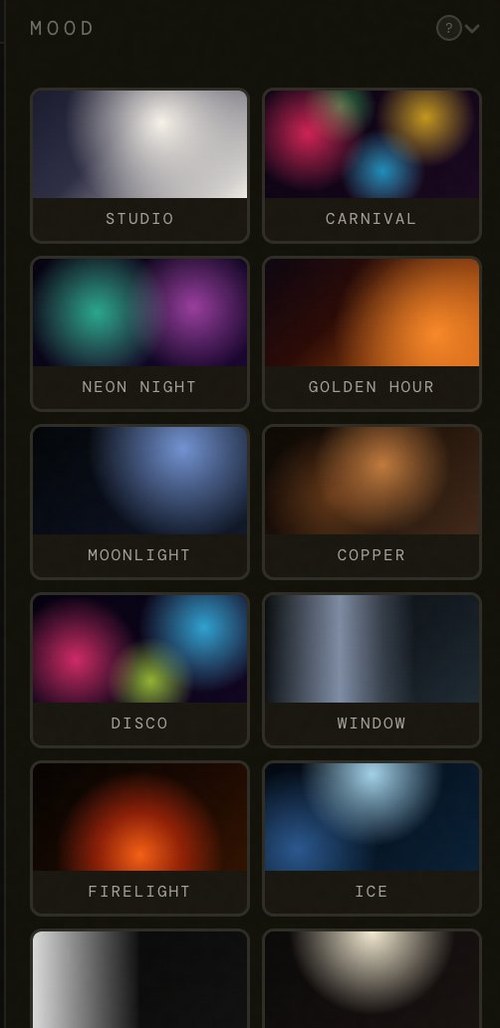
- 12 presets: Studio, Carnival, Neon Night, Golden Hour, Moonlight, Copper, Disco, Window, Firelight, Ice, Split, Butterfly
- Up to 3 coloured key lights with hemisphere pad
- Full colour picker — warm amber, cool blue, neon pink
- Total Darkness tenebrism — Caravaggio mode
- Gobo shadows, overlays, film grain
- Full grading: saturation, fade, split tone, vignette
- Before/after split comparison
- Works on photos, AI renders, paintings, drawings
15 Master Artist Styles
Each style is a forensically accurate recreation of a master's technique. The AI applies authentic painting textures while preserving your identity. Three render modes: Accurate (face-locked), Balanced (artistic with similarity), and Reimagine (full creative freedom).

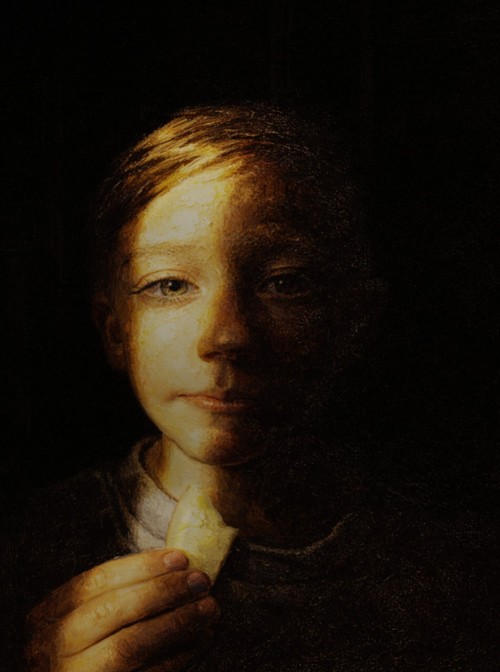
- 6 Old Masters: Rembrandt, Caravaggio, Vermeer, Turner, Da Vinci, Michelangelo
- 3 Fantasy: Frazetta, Boris Vallejo, Frida Kahlo
- 4 Comics: Alex Ross, Jim Lee, McFarlane, Dave McKean
- 2 Street: Basquiat, Banksy
- Face stays pixel-perfect in Accurate mode
- History gallery saves every render
Trace — Stencil Engine
Convert any image into a precise line drawing. Used by tattoo artists for thermal transfer paper, by painters as an underpainting guide, and by carvers for pattern transfer.
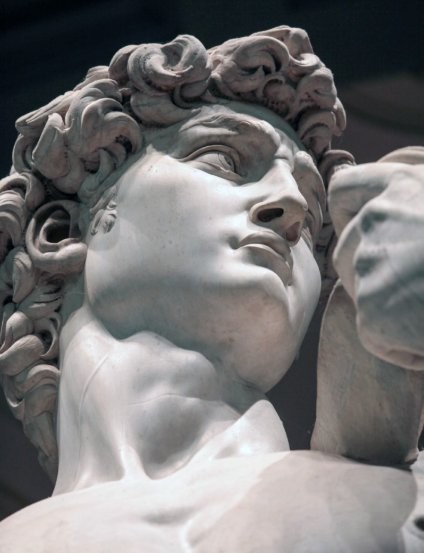
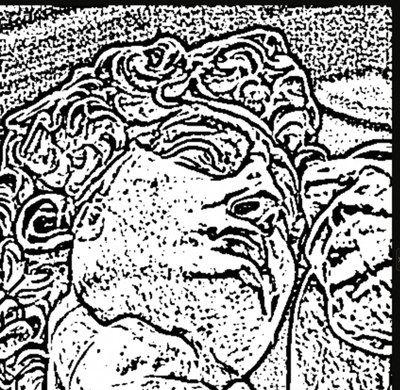
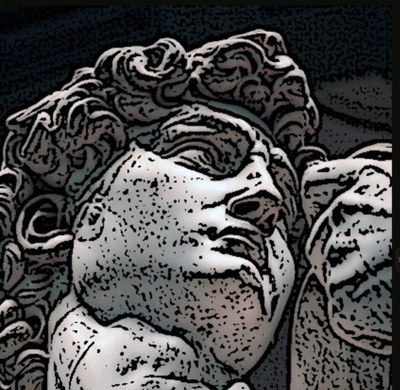
- Stencil mode: clean black lines with variable weight
- Contour mode: smooth tonal mapping for realism
- Outline mode: simplified bold contours
- 5 sliders: Detail, Intensity, Shading, Clean, Smooth
- Save as PNG, add as layer, transparent background
- Works on portraits, sculptures, flash art, references
Complete Art Academy
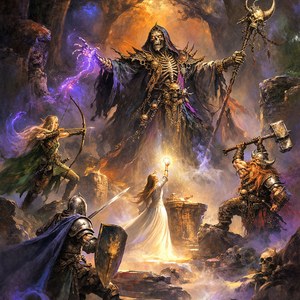
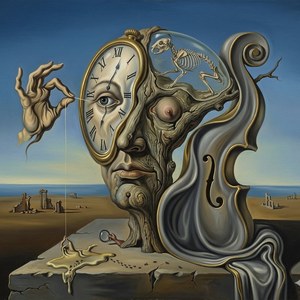
This isn't a tool with a tutorial. It's an education platform with a tool. Foundation modules teaching real painting and photography technique. Deep-dive pages for each of the 15 master artists. Study the masters, then paint them yourself.
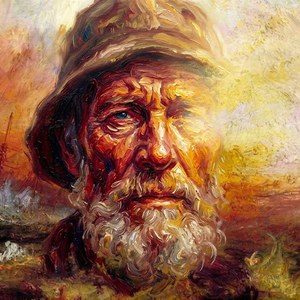
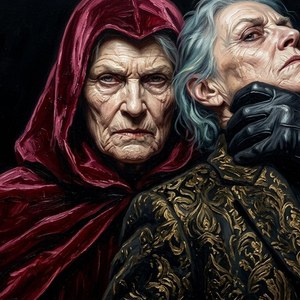
- Foundation modules covering the fundamentals of visual art
- Interactive exercises: recreate Rembrandt's light, then compare
- Learn colour theory by mixing actual colours, not reading about them
- Practice with your own photos — the best way to learn is by doing
- Full materials lists with brands and brush sizes
- New modules added regularly for Academy and Pro members
3D Light Study
Learn how light shows form by lighting it yourself. Eleven lessons, from the sphere to the portrait, each with a 3D room where you move up to four lamps around a real skull, a hand, a bust or a whole figure and watch the shadows answer. What painters and photographers know, in your hands.
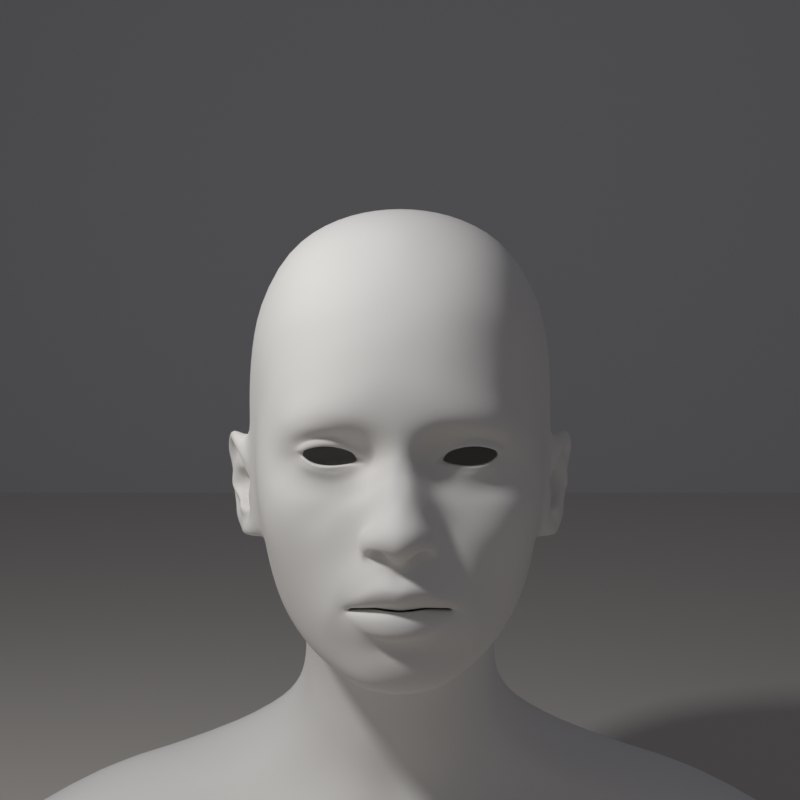
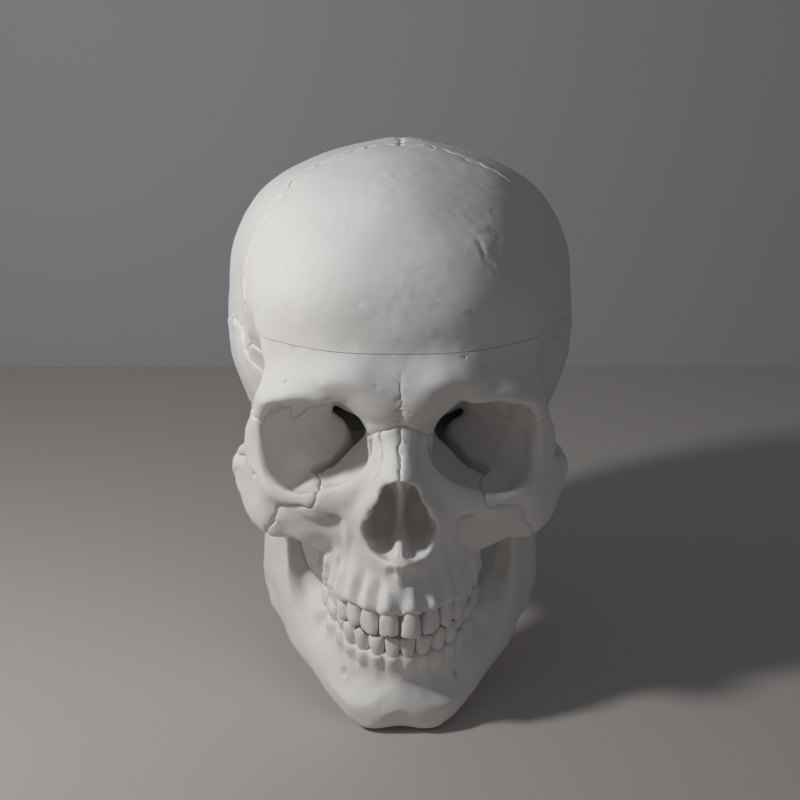
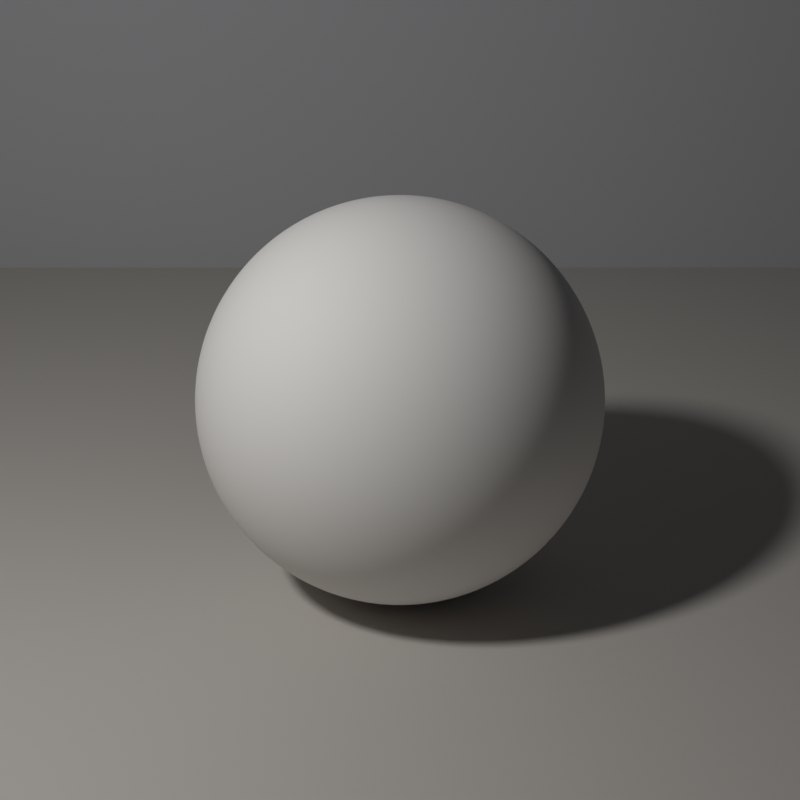
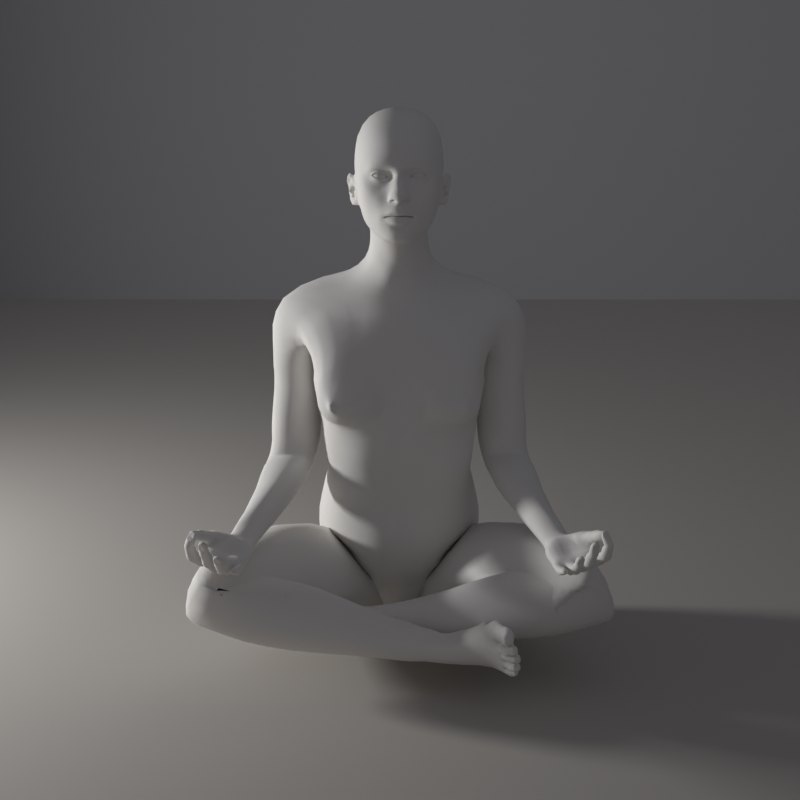
- 11 lessons: basic forms, the values of light, light direction, hard and soft light, cast shadows, portrait patterns, the planes of the head, hands and feet, the figure, colour, still life
- A 3D room with up to four lamps: drag a lamp round the object, change colour, distance and shadow softness
- 59 shapes: fruit, vessels, a real human skull, hands, a foot, busts and 42 figure poses, male and female
- Four views: picture, light only, surface and shadow, in plaster, clay, bronze or marble
- Opens from the studio: the 3D button, then Academy lessons
- Included with Academy and Pro
15 artists. 4 categories. 500 years of technique.
Each style is built from real study of the original master's methods. Not a filter. A forensically accurate recreation of how they saw and painted light.
MORE ARTISTS COMING — Photography Masters, Digital Concept, Impressionists
Every master comes with a complete study.
Click any master in the academy and get everything you need to understand, study, and recreate their technique with your own hands.
Full Biography
Where they trained. What influenced them. How they changed art forever.
Famous Works Analysis
5-8 key paintings with breakdowns. Where the light comes from. What palette they used. Why the composition works.
Signature Technique
What makes them instantly recognizable. The specific method explained so you could teach it to someone else.
Light Setup Diagram
Interactive breakdown of their lighting. Recreate it with the VOLUX relight engine on your own photo.
Materials & Tools
Oil on canvas. Fresco on wet plaster. Charcoal. Spray paint. Each master's specific medium and what to buy.
AI Style Transform
One click. Your photo in their style. The fastest way to understand what makes each master unique.
Artist Quotes
Their own words about art, light, colour, and creativity. Inspiration directly from the masters.
Practice Exercises
"Where does the strongest light hit?" Questions that train your eye to see what masters saw.
Two tracks. Theory and practice.
Just like a real art school.
The Foundation track teaches you to SEE like an artist. The Practice track teaches you to PAINT like the masters. Both use your own photos and the VOLUX studio as your canvas.
Colour Theory
Why complementary colours vibrate. Why analogous palettes feel calm. How to mix any skin tone from 5 pigments. Warm vs cool. What "mud" is and how to avoid it.
Light & Shadow
Key light, fill, rim, ambient. Why shadows have colour. The 5 zones of a lit sphere. Rembrandt's triangle. Caravaggio's drama. Butterfly lighting for beauty.
Value & Contrast
Perfect colour with wrong values looks flat. The 9-step value scale. The squinting test. Notan studies. Why 70/30 dark-to-light creates drama.
Temperature
Warm light creates cool shadows. This one principle separates amateur from professional. Why flesh in shadow looks purple-blue. How temperature creates depth.
Composition
Rule of thirds creates balance. Golden ratio creates flow. Leading lines guide attention. How the masters controlled where you look first, second, and last.
Black & White
Remove colour and you see value. Charcoal techniques. Grisaille underpainting. Why removing colour makes you a better colourist.
Oil Painting Basics
Underpainting creates structure. Glazing creates luminosity. Impasto creates texture. Fat over lean. Why understanding oil makes better digital work.
Portrait Lighting
Butterfly. Loop. Rembrandt. Split. Broad vs short. Set them up in VOLUX, understand the mood each creates, then take it to a real photoshoot.
Colour Grading
What a LUT is. Split toning. Film emulation: why Portra looks dreamy and Velvia looks punchy. How Hollywood colourists shape mood with colour.
Step-by-step painting tutorials. Real brushes. Real paint. Real canvas. Fifteen complete painting walkthroughs, from blank surface to finished portrait. Use VOLUX as your reference, then paint it for real. Each tutorial ends with a buy-the-kit list, and the Materials page holds all fifteen.
Paint Like Rembrandt
Oil on pre-stretched canvas. A step-by-step session with a materials checklist and a buy-the-kit list for this painting only.
Paint Like Caravaggio
Oil on pre-stretched canvas. A step-by-step session with a materials checklist and a buy-the-kit list for this painting only.
Paint Like Vermeer
Oil on smooth canvas or linen panel. A step-by-step session with a materials checklist and a buy-the-kit list for this painting only.
Paint Like Turner
Oil on canvas. A step-by-step session with a materials checklist and a buy-the-kit list for this painting only.
Paint Like Da Vinci
Oil on smooth panel or fine linen. A step-by-step session with a materials checklist and a buy-the-kit list for this painting only.
Paint Like Michelangelo
Oil on fine canvas. A step-by-step session with a materials checklist and a buy-the-kit list for this painting only.
Paint Like Frazetta
Oil on masonite board (hardboard). A step-by-step session with a materials checklist and a buy-the-kit list for this painting only.
Paint Like Vallejo
Oil on smooth hardboard (masonite). A step-by-step session with a materials checklist and a buy-the-kit list for this painting only.
Paint Like Kahlo
Oil on smooth masonite or small canvas. A step-by-step session with a materials checklist and a buy-the-kit list for this painting only.
Paint Like Alex Ross
Gouache on illustration board. A step-by-step session with a materials checklist and a buy-the-kit list for this painting only.
Paint Like Jim Lee
Ink and pen on bristol board. A step-by-step session with a materials checklist and a buy-the-kit list for this painting only.
Paint Like McFarlane
Ink and pen on bristol board. A step-by-step session with a materials checklist and a buy-the-kit list for this painting only.
Paint Like McKean
Mixed media on heavy mixed-media paper or board. A step-by-step session with a materials checklist and a buy-the-kit list for this painting only.
Paint Like Basquiat
Mixed media on large canvas or found surface. A step-by-step session with a materials checklist and a buy-the-kit list for this painting only.
Paint Like Banksy
Stencil and spray on any flat surface. A step-by-step session with a materials checklist and a buy-the-kit list for this painting only.
Paint it. Post it. Tag us.
Finished a VOLUX tutorial? Post it and tag @volux.io with #PaintedWithVOLUX. Student paintings are reposted here and on our Instagram, with credit.
Best student paintings featured monthly on our Instagram, website gallery, and newsletter.
In the era of AI, why learn
to paint at all?
Because AI generates images without understanding. It pattern-matches from data. It produces a face without knowing what a skull is. It renders light without understanding optics. It mimics Rembrandt without ever holding a brush.
A real Rembrandt in a museum has physical texture. The highlights are thick ridges of paint that catch gallery lighting. The shadows are thin and transparent, glowing from the warm ground underneath. No screen, no printer, no algorithm can replicate this. The painting exists in three dimensions. It changes depending on the angle you view it.
The artist who can create with their hands holds something irreplaceable. Not a skill becoming obsolete. A skill that becomes more valuable precisely because the machines cannot do it.
VOLUX Academy teaches you the techniques the masters used. Not a university degree that costs $40,000 and takes four years. Not an art school that teaches theory without practice. Real technique. Real pigments. Real brushes. Step by step. At your pace. For less than the cost of a single university textbook.
A complete art education. Not a filter app.
Every plan includes real teaching content. Here is exactly what is inside.
Seven days free. Then one plan a year.
Seven days free to try everything. After that, one yearly plan. AI master renders use credits — buy packs whenever you need more.
- ✓Full studio editor
- ✓All moods and lighting
- ✓Gobos, overlays, grading
- ✓3 AI render credits to try
- ✓Watermarked exports
- ✕No clean exports
- ✕No academy content
- ✕Ends after 7 days
- ✓Everything in the trial
- ✓15 master reading pages (Kindle-style)
- ✓15 step-by-step painting tutorials
- ✓3D Light Study — 11 lessons and a 3D room with four lamps
- ✓15 AI master artist styles
- ✓Foundation modules — Colour Theory available now, eight more in development, included free as they ship
- ✓Interactive colour wheel tool
- ✓Full materials lists with brands
- ✓Q&A knowledge base per master
- ✓Clean exports, no watermark
- ✓40 AI renders a year
- ✕No early access to new artists
- ✓Everything in Academy
- ✓100 AI renders a year
- ✓Early access to new artists
- ✓New features first
- ✓Priority email support
- ✓Buy render packs anytime
- ✓All future tutorials & content
Masters and Lifetime only. Bigger packs = bigger savings. Credits never expire.
All prices in USD, billed yearly. Your renders reset at the start of each year and do not carry over — buy render packs any time you run out. Cancel before renewal to stop the next year. 7-day money-back guarantee.
Questions? Answers.
Ready to see light
like the masters did?
Start free. Relight your first portrait. See what 500 years of technique looks like on your own face.